
25 hidden Adobe Express features that can boost your creativity on Android. Learn AI editing, video tools, QR codes, brand kits, PDF editing, and more with AndroidPorts.com.
Adobe Express isn’t just another graphic design app—if you dig a little deeper, you’ll find a whole toolbox packed with powerful, often-overlooked features for Android. Whether you make YouTube videos, run a small business, write blogs, or just love sharp-looking social posts, I’m betting some of these tricks will make your creative life way easier.
Ready to see what most users miss? Here are 25 hidden Adobe Express features every Android creator should add to their arsenal.
1. AI Image Generator
Tired of recycling the same old stock photos? Just type a prompt, and Adobe Express will whip up brand-new AI-generated artwork. Great for blog headers, Instagram posts, thumbnails—pretty much anything that needs fresh visuals.
2. One-Tap Background Removal
Sometimes you need a clean, transparent background—product shots, logos, profile pics. Adobe Express handles it instantly, no Photoshop experience required.
3. Magic Eraser
Random photobombers or messy backgrounds ruining your shot? Use the AI-powered eraser and they’re gone in seconds. It’s amazing how quick and clean this feature works.
4. Resize for Any Social Channel
Design once, resize everywhere. Instantly fit your content to Instagram, Facebook, TikTok, YouTube, Pinterest, and LinkedIn—no need to start over each time a platform changes its specs.
5. Thousands of Free Templates
Not sure where to start? Pick a ready-made template for flyers, reels, invitations, menus, or anything else—then tweak it to match your style.
6. AI Text Effects
Don’t settle for boring text. Make it pop with effects like neon, metal, watercolour, or cartoon lettering in just a tap or two.
7. QR Code Generator
Need a QR code on your menu, event poster, or business card? Generate one instantly right from Adobe Express.
8. Brand Kit
Keep your logo, fonts, and colors saved in one place so everything you make stays 100% on brand.
9. Remove Video Background
No green screen? No problem. Replace or blur backgrounds in your videos to give your content a pro touch, especially handy for quick clips.
10. Quick Video Trimming
Cut and trim videos for Reels, TikTok, Shorts, or Stories—straight from the app. No need to bounce between editors.
11. Animation Effects
Take still images and text and add animated presets to bring your designs to life. Perfect for ads and story graphics.
12. AI Caption Generator
Let AI suggest captions for posts or marketing—super useful for when you’re short on inspiration or time.
13. Cloud Sync
Start a design on your phone and pick it up later on your tablet or laptop using your Adobe account. No more emailing files to yourself.
14. One-Click PDF Conversion
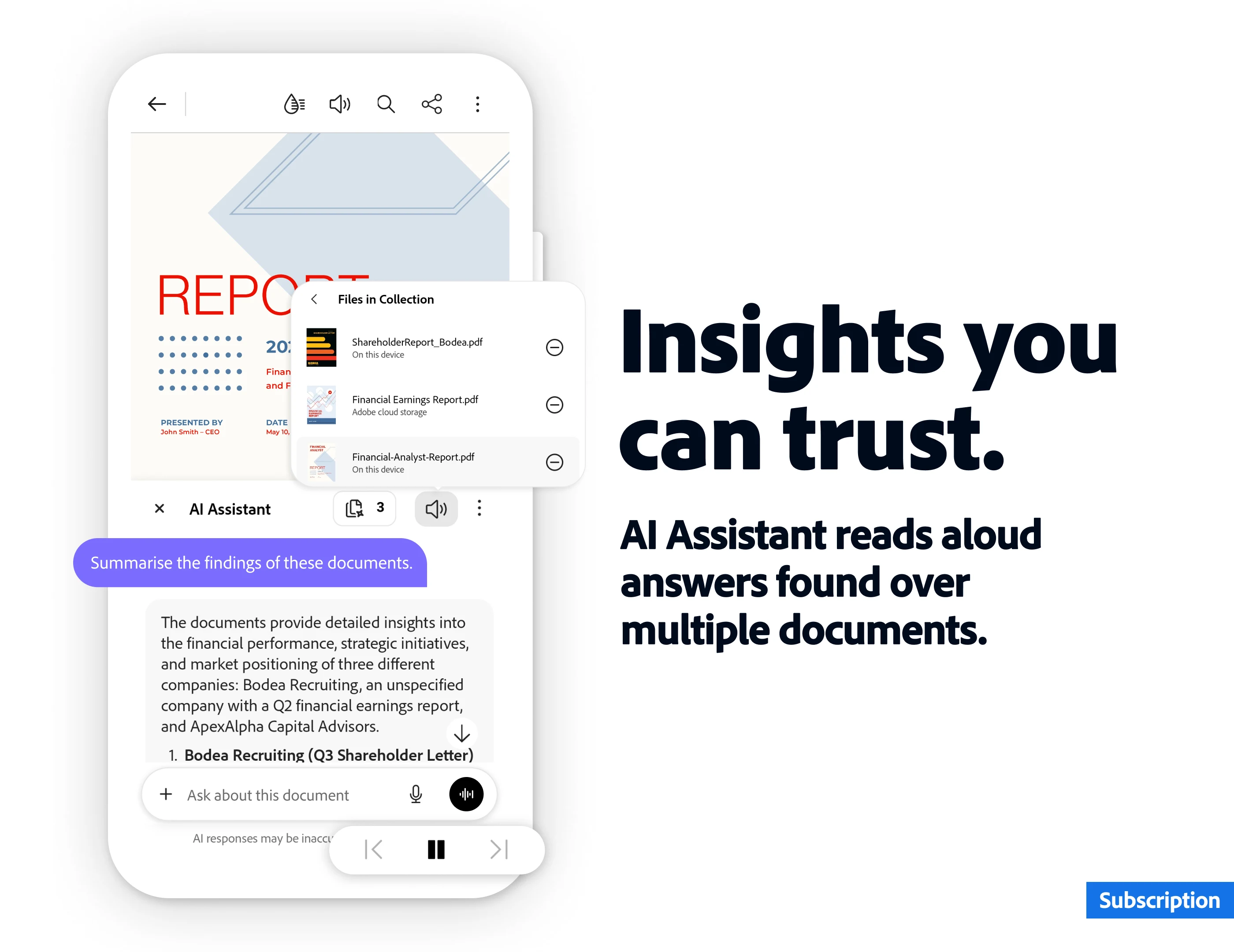
Need a PDF? Convert your designs or documents right in the app. For most tasks, you won’t need another PDF app at all.
15. Icon Library
Access thousands of icons—business, travel, education, food, tech, and more. It’s a huge time saver for adding simple visuals.
16. Premium Fonts
Browse a killer collection of fonts for that polished, pro look. Great for everything from resumes to branded content.
17. AI Rewrite Tool
Let AI punch up your headlines, captions, blog intros, or marketing copy so you don’t get stuck editing the same sentence all afternoon.
18. Schedule Social Posts
On supported plans, schedule posts for Instagram, Facebook, Twitter, and more without leaving the app.
19. Content Calendar
Keep your campaigns organized. See what’s coming up, what needs work, and avoid those last-minute scrambles.
20. Stock Photos
Find and use a huge library of royalty-free images without jumping to another website or app.
21. Design Lock
Lock down key elements in your design so teammates (or you) don’t accidentally mess up something important.
22. Collaborative Editing
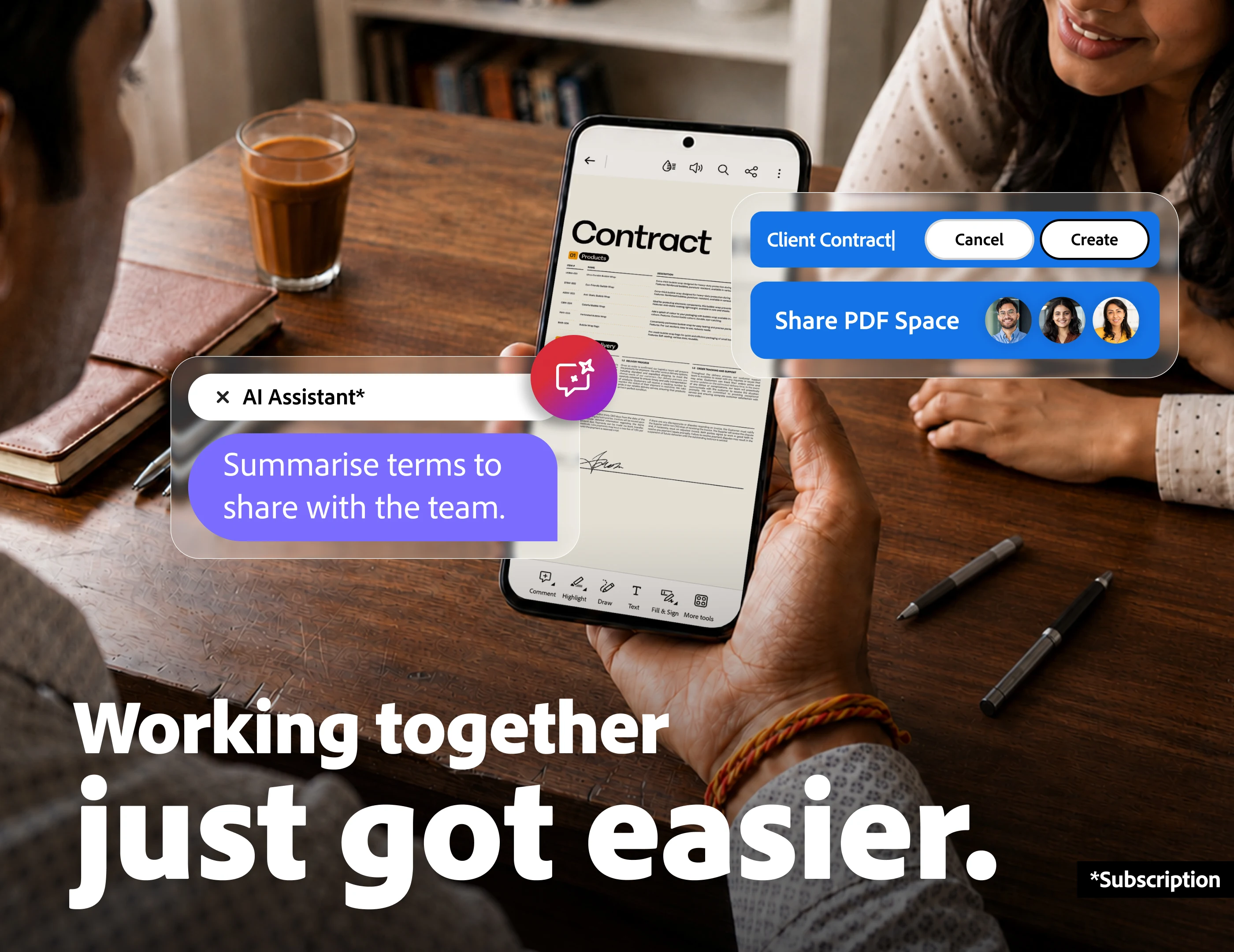
Invite others to edit and update your designs together in real time—perfect for team projects and approvals.
23. Mobile Scanner
Turn your phone into a scanner—snap a photo of a document, clean it up, and it’s ready for editing or sharing.
24. AI Presentation Creator
Generate slide layouts with AI, then customize the look to match your presentation style. Way less time fiddling.
25. Cross-Platform Workflow
Switch from Android to iPad, Mac, or the web—your projects stay synced, so you never lose your work.
Bonus Tips for Android Users
Personalize AI-generated art—don’t just use it as-is; put your spin on it.
Save templates you love so you can use them again in a snap.
Sort your assets into folders to stay organized as your project library grows.
Always use the highest resolution images available for best results.
Keep Adobe Express updated—new features get added all the time.
Creators Love Adobe Express
Adobe Express is a sweet spot between simple design tools and pro features. Whether you’re running a side hustle, building a brand, tackling school projects, or launching social campaigns, it handles just about everything—AI magic included—and it’s built for mobile.
Conclusion
Adobe Express has grown way beyond a “basic” design app. With smart AI tools, templates, branding kits, and smooth cross-device workflows, it lets Android users create standout content anywhere, anytime—all in one place.
Try exploring these 25 hidden features and see how much time and effort you can save. Odds are, you’ll end up producing sharper visuals and managing your content faster, without bouncing between a bunch of different apps.
And if you want even more Android tips, tutorials, and creative app guides, swing by AndroidPorts.com. We’re always sharing new ways to get the most out of your device.
Frequently Asked Questions (FAQs)
Is Adobe Express free on Android?
Yes—there’s a free version with lots of features. Premium plans unlock more templates, assets, and AI tools.
Does Adobe Express have AI features?
Definitely. You’ll find AI image and text generation, background removal, and more.
Can I make YouTube thumbnails?
Of course. Adobe Express even has templates sized just for YouTube thumbnails.
Is it beginner-friendly?
Absolutely. The interface is simple enough for anyone to start designing, no experience needed.
Can I edit videos with Adobe Express?
You can trim clips, add text, transitions, and music—great for quick social edits.
Does Adobe Express work offline?
Some things work offline, but most AI features and cloud sync need an internet connection.
Can businesses use Adobe Express?
Yes. Brand kits, templates, collaboration, and social post scheduling make it great for teams and small businesses.
Can I schedule social posts?
You can, if your plan supports it. Schedule for major platforms right from the app.
Is Adobe Express better than Canva?
Both are solid. It really comes down to your design style and which features you need most.
Where can I get more Android productivity tips?
Head over to AndroidPorts.com for more reviews, guides, tutorials, and tech news.
Leave a Comment