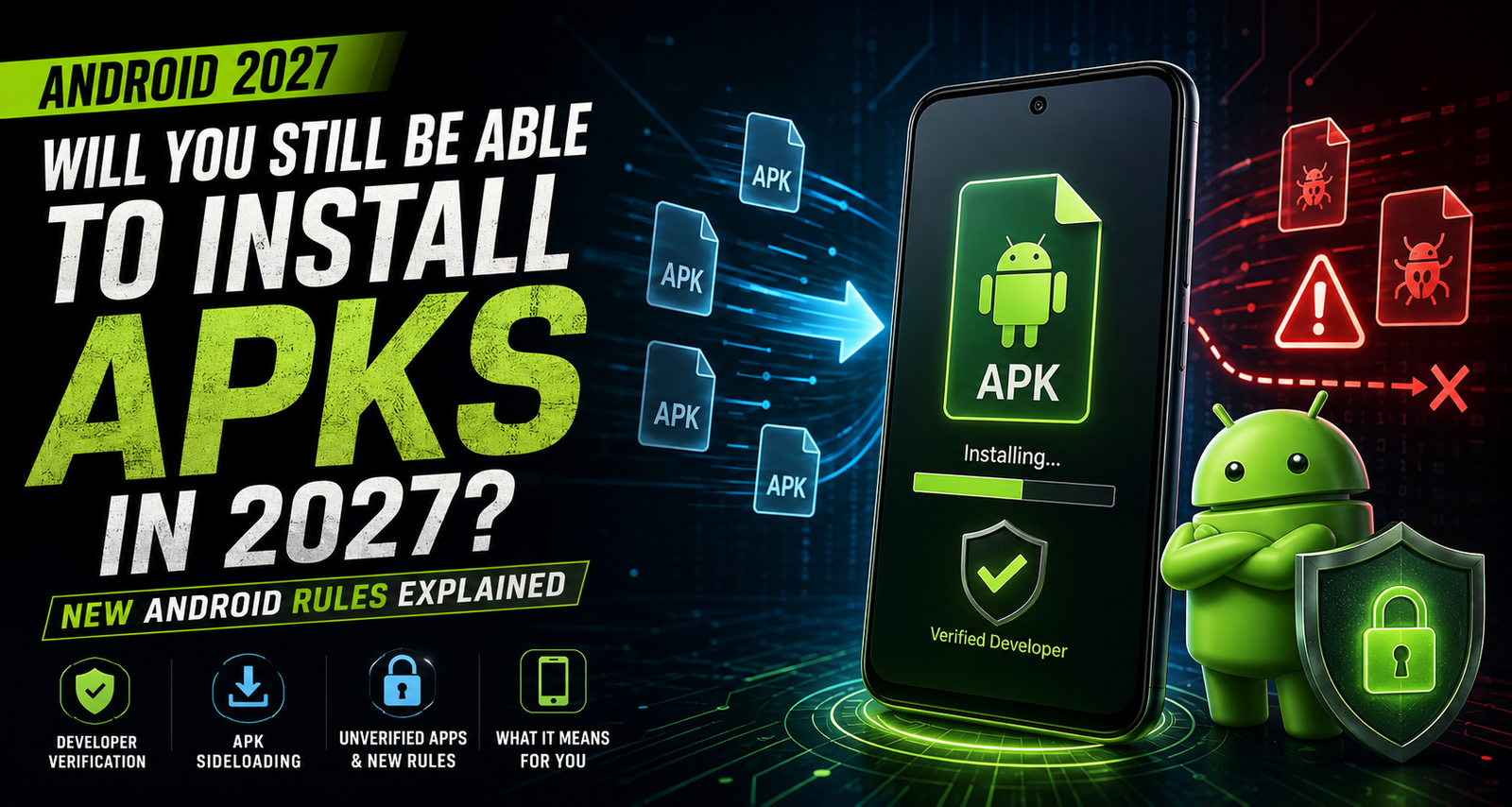
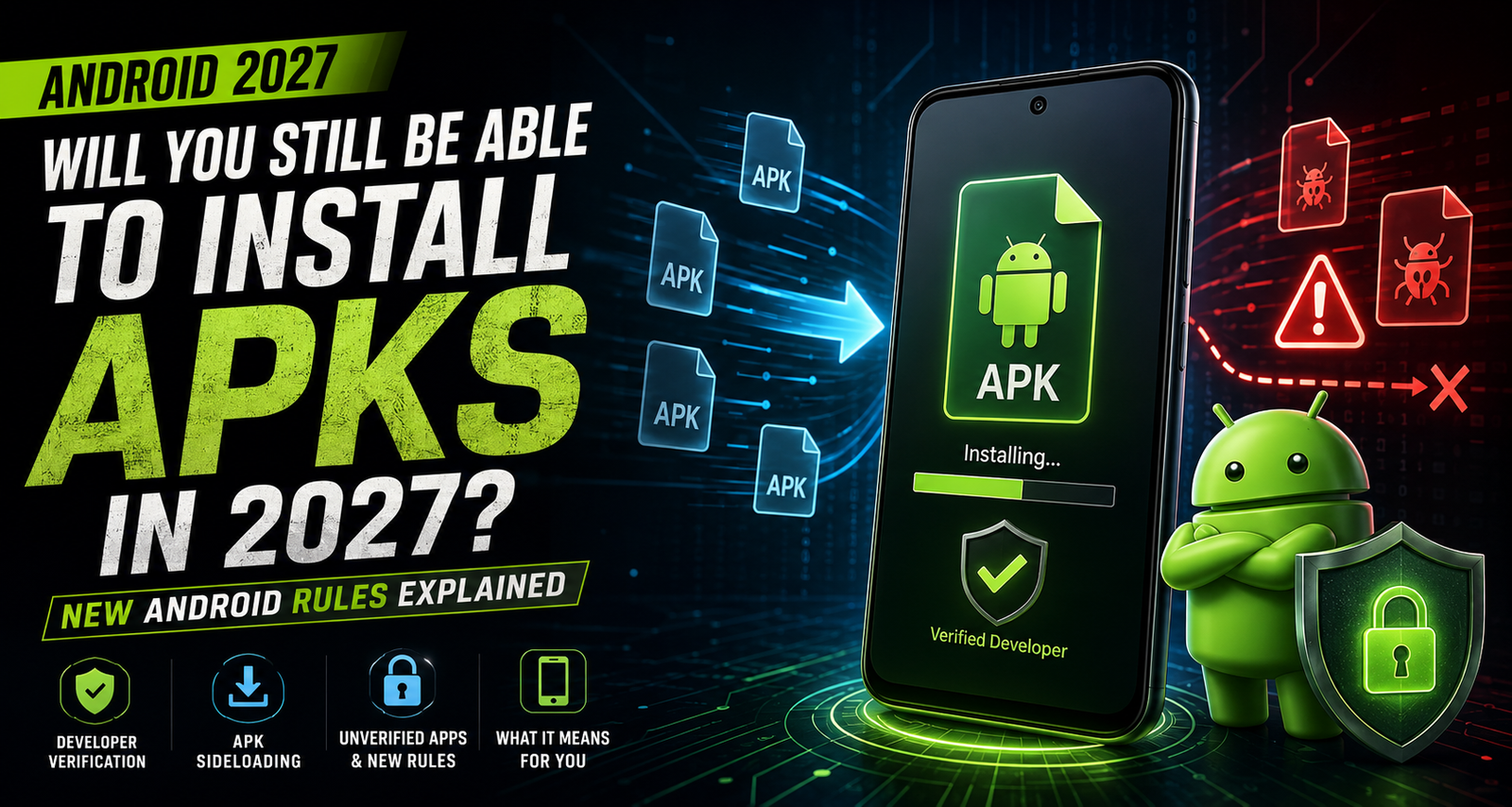
In 2027, will you still be able to install APKs and sideload apps on Android? Here’s how Google’s new developer verification rules affect APK downloads, third-party app stores and unverified apps.
The short answer is yes.
You’ll still be able to install APKs on Android in 2027. But things won’t look exactly the same. Google’s pushing a new developer verification system, and that could change how certain APKs get installed, especially those from developers who haven’t verified who they are.
For years, one of the best things about Android was how openly you could install apps. Get something off Google Play, or just grab it straight from a developer’s website, or even a third-party app store — the choice was yours.
That flexibility isn’t going away.
But Google is tightening things up a bit. They’re bringing in new rules: developers will need to verify their identities for apps that run on certified Android devices, with that system rolling out globally in 2027 and beyond.
So what does all this change mean if you’re used to sideloading APKs?
Let’s break it down.
Can You Still Install APKs in 2027?
Absolutely. Google isn’t banning APK files or killing sideloading.
You’ll still be able to download and install apps from outside Google Play. Developers can still put their apps on their own sites or through third-party stores.
The big change is all about developer verification.
Android will focus more on whether the app you’re installing is tied to a developer who’s actually registered and verified their identity with Google.
So here’s the basic idea for Android APK installs in the future:
If the app is from a verified developer, things work as usual.
If the developer isn’t verified, you’re probably going to see more security warnings, and installing the app will be a little less convenient.
But again, this isn’t about locking everyone into Google Play.
What Are Google’s New Android APK Rules?
Google calls this new system “Android developer verification”.
It’s about making developers accountable — Google will connect apps to actual, verified people or companies. Supposedly, this makes it harder for bad actors to push out a malicious app, disappear, and then pop up again under a new name.
Under these new rules, a bunch of certified Android devices will only allow you to install apps if their developer has properly registered.
This covers apps you sideload from direct APK files and other non-Google Play sources.
But here’s the key thing:
Verification doesn’t mean only Google Play. Verified developers can still let you download APKs directly from their websites.
Will APK Sideloading Be Blocked?
Nope. Sideloading isn’t being wiped out.
What’s changing is the verification step, not the ability to install apps from outside sources.
If the APK comes from a verified developer, installing it should work as before.
If it’s from an unverified developer, Android can block the normal installation and require you to jump through some extra hoops.
So, who’s affected the most? Probably:
Anonymous developers
Developers who won’t verify
Old apps that never got registered
Apps floating around on unofficial channels
APK files from random publishers
For regular users, this just means it’s smarter than ever to check out who actually made that app before you install it.
What Happens When You Try To Install an Unverified APK?
Trying to install an APK from an unverified developer? On a certified device, you might find the standard install route blocked.
Still, Google said that power users can use an “advanced flow” to get unverified apps installed. There’ll just be more warnings and security prompts, stuff like “Do you really trust this?” You’ll have to slow down and confirm you understand the risks.
Not as convenient for installing obscure APKs, but the point is to help protect people from scams, sketchy software, and the usual tricks attackers use to access your data.
For example, plenty of scams just rely on convincing you to install a “harmless” APK that’s anything but.
These new alerts and checks are all about making that harder for scammers.
Can You Still Use ADB to Install APKs?
Yes, you can.
Google says Android Debug Bridge (ADB) installations aren’t going away.
That matters for developers, ROM builders, testers, researchers — basically, anyone who relies on installing apps from the command line instead of the usual installer.
Leaving ADB alone means Android’s new rules won’t mess with the way developers work and test apps.
Just don’t mix it up: most regular users will still use the standard app installer, not ADB.
When Do the New Android Rules Start?
Google’s rolling out these verification rules in stages.
The first phase starts September 30, 2026, for some certified devices in Brazil, Indonesia, Singapore, and Thailand.
With that, Google plans to expand the rules globally from 2027 and on.
So there’s not one magic day when every Android on earth switches over — the rollout’s gradual.
Will Every Android Phone Be Affected?
No, these new requirements are for certified Android devices only.
That’s important: Android comes in all shapes and flavors. Certified phones (the ones with Google services) will check app verification differently than a phone running a basic, open-source flavor of Android without Google services.
There will be differences depending on the device and maybe even where you live, since some regions don’t use Google services.
Can Developers Still Offer APK Downloads From Their Websites?
Yes, and this really matters.
Requiring developer verification doesn’t mean everything must be on Google Play. Verified developers can still offer APKs direct from their own sites.
So, if a developer puts out an app on their official site and you want to install it, go right ahead — as long as they’re a verified developer.
The point isn’t about controlling where you download, but about making sure the publisher is legit.
What About Third-Party Android App Stores?
Third-party stores aren’t going anywhere.
Alternative app stores can stick around and keep distributing apps. The rules are just getting stricter around identity and registration, not shutting out the competition.
So Android’s app universe will continue to include:
Google Play
Phone manufacturer stores
Independent app stores
Developer websites
APK downloads direct from the source
The main difference moving forward is that who published the app — and whether they’re verified — matters a lot more for how easy installation is.
What Are Limited Distribution Accounts?
Google’s also introduced a “limited distribution” option for smaller developers.
So if you’re a student, hobbyist, learner, part of a small test group, or just sharing an app privately with a few people, there’s an option for that.
With limited distribution, developers can give their app to up to 20 devices without registering the same way as public developers.
So, if you’re messing around with Android app development on a small scale, you don’t need to jump through all the new public registration hoops.
Does Developer Verification Mean an APK Is Safe?
No, not necessarily.
Verification just links the app to a real developer. That helps with accountability, but it isn’t a guarantee the app’s harmless.
A verified developer could still make something buggy, grabby about permissions, or even dangerous.
Likewise, just because a developer isn’t verified doesn’t mean they’re up to no good.
Bottom line: stick to your instincts and do the basics. Before you install an APK, ask:
Do you trust the source?
Is this the official website?
Does the publisher look legitimate?
Why is there a security warning?
What permissions does the app want?
Is someone rushing you to install this?
If you can’t answer those safely, it’s better just to skip the download.
How to Safely Install APKs on Android in 2027
- Get APKs From Trusted Places
Whenever possible, stick with the developer’s official site. Watch out for look-alike sites and fake spellings.
- Check Who the Developer Is
Look for info about the people (or company) making the app. Even with this new system, don’t assume — double-check publisher details.
- Don’t Download APKs From Random Links
Don’t install something just because someone sent you a link over WhatsApp, SMS, Telegram, or social media. Scams love exploits like that.
- Be Sceptical of “Urgent” Updates
If you get a message saying you have to install an APK right now, don’t click the link. Always go to the official site or app store yourself.
- Review Permissions
Does the app need everything it asks for? Example: a simple calculator doesn’t need your location, contacts, or phone access.
- Pay Attention to Android’s Warnings
If Android prompts you to do an advanced install for an unverified app, pause and read the warning. Figure out why it’s unverified before you continue.
The Bottom Line: APKs Aren’t Going Anywhere — but Android Wants Better Checks
One of the biggest myths about this change is that APK sideloading is about to disappear.
That’s not happening.
You’ll still be able to install APKs in 2027.
Verified developers can keep distributing their apps outside Google Play. Direct downloads and third-party stores aren’t being shut down. Advanced users can still go “off the beaten path” to install whatever they want.
What’s changing is accountability. Moving forward, Android wants developers to step out of the shadows, register, and put their name to their work.
For everyday users, this means better protection from anonymous scams. For power users and APK fans, sideloading lives on — but you’ll need to pay more attention to who made the app.
Final Answer: Will You Still Be Able to Install APKs in 2027?
Yes, you will.
Android isn’t banning APKs or blocking sideloading.
You’ll still be able to install apps from outside Google Play from platforms like Androidports.com and use third-party stores. The catch is Google’s ramping up verification, especially for apps from unknown or anonymous developers.
Leave a Comment