Read our in-depth Adobe Review 2026 covering Photoshop, Premiere Pro, Acrobat Pro, Adobe Express, Firefly AI, pricing, features, pros, cons, and performance. Discover if Adobe Creative Cloud is worth the investment.
What’s coming from Adobe in 2026?
Adobe Creative Cloud is still king in 2026. If you’re in the creative world—whether you’re a designer, photographer, marketer, student, or just starting out—chances are you’ve either used Adobe’s apps or worked with someone who has. The lineup is stacked: Photoshop, Illustrator, Premiere Pro, Acrobat, Firefly AI, and Adobe Express all come bundled in an ecosystem that, for a lot of people, feels impossible to beat.
Let’s dig in and see what keeps Adobe on top.
What is Adobe Creative Cloud?
At its core, Adobe Creative Cloud is a subscription service that opens the door to over 20 top-tier creative apps and services. Some of the most popular include Photoshop for images, Illustrator for graphics, Premiere Pro for editing video, After Effects for motion graphics, Lightroom for quick photo edits, InDesign for layout, Acrobat Pro for PDFs, Adobe Express for content creation, and the still-new-but-evolving Firefly AI for AI-driven design tasks.
Everything’s tied together, letting you make anything from a quick meme to a blockbuster video—or a 100-page business proposal—with the same suite.
Why does everyone still choose Adobe?
Simple. Big names trust Adobe—think Fortune 500 companies, film studios, creative agencies, YouTubers, and lots of independent creators. It’s the glue for designers and content pros who need tools that just…work together. Start a project in Photoshop, finish in InDesign, and send a PDF for review with Acrobat—no problem. That’s Adobe’s edge: seamless integration and reliability.
Let’s break down a few of the main apps:
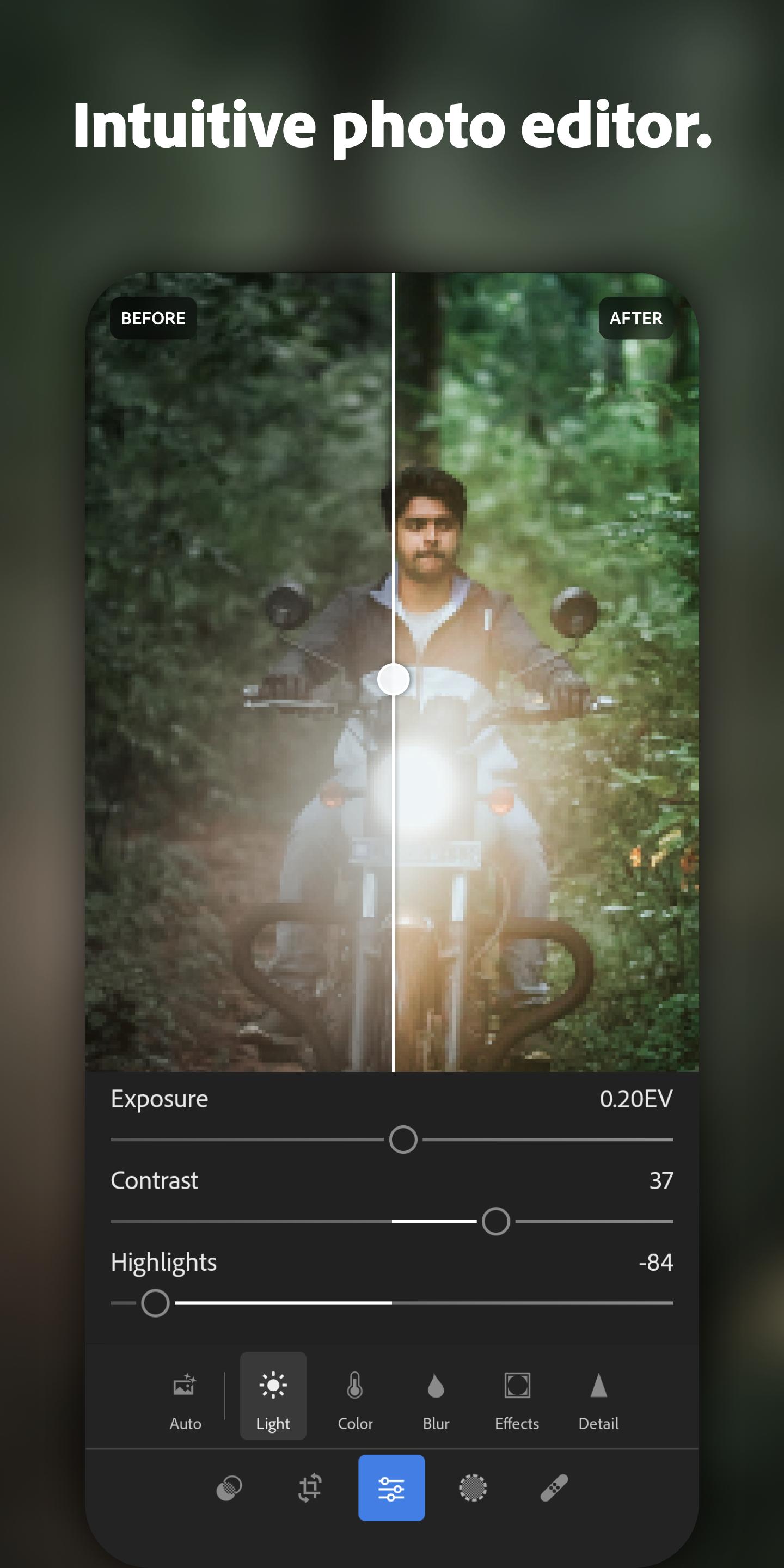
Photoshop: Still the photo editing champ. With smart AI tools like Generative Fill, super-easy background removal, retouching, advanced color correction, and synced mobile-desktop workflows, you can edit everything from family photos to pro-level campaigns. You get layers, smart objects, and more than enough tools to bring your ideas to life. Rating: 5/5
Premiere Pro: Top-tier video editing. Handles everything from YouTube vlogs to feature films. You get AI-powered tools for faster cuts, auto captions, serious motion graphics, and presets tuned for every platform.
Rating: 4.9/5
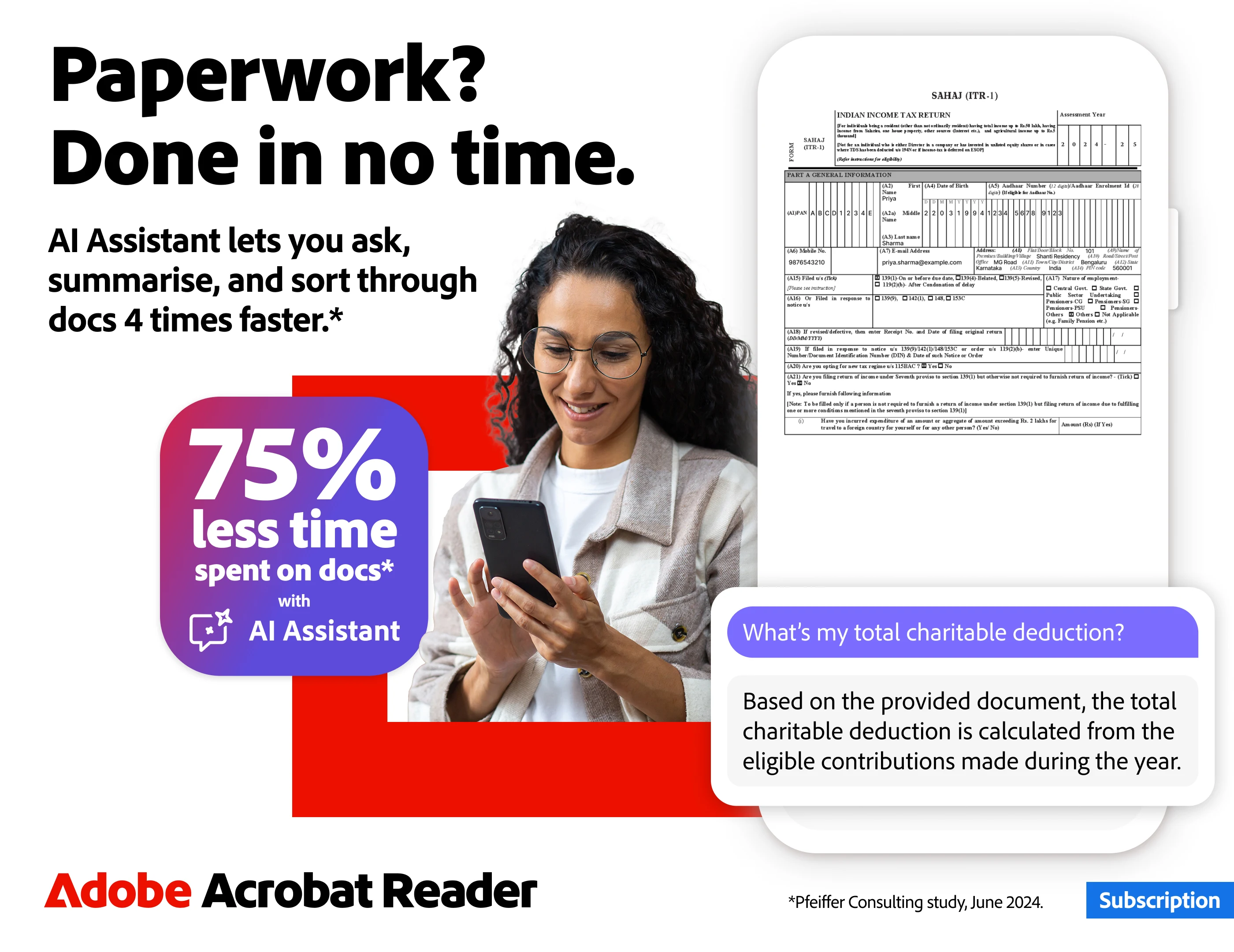
Acrobat Pro: No competition when it comes to PDFs. Create, edit, convert, sign, secure—it’s all there. OCR text recognition is a huge bonus for working with scanned docs.
Rating: 4.8/5
Adobe Express: Think Canva, but more powerful. Make social posts, YouTube thumbnails, reels, banners, and business presentations with drag-and-drop tools, tons of templates, AI image generation, and a mobile-friendly design. Great if you want eye-catching results fast, without a steep learning curve.
Rating: 4.7/5
Firefly AI: Adobe’s answer to AI design. Generate images, fill in backgrounds, create assets, and even try out AI-driven video. Everything you make is cleared for professional, commercial use—no copyright headaches.
Rating: 4.9/5
Other Features You Get:
– Cloud storage for easy backups, sharing, and access across devices.
– Adobe Fonts with thousands of ready-to-go premium fonts.
– Adobe Stock integration for quick access to stock images and assets.
– Full compatibility—work on Windows, Mac, Android, iPhone, or iPad.
Pros & Cons
Pros:
– Best creative software you can get, hands down.
– AI tools are genuinely useful, not just flashy.
– Cloud integration is smooth and reliable.
– Regular updates—your tools stay fresh.
– Massive creator community for tips and support.
– Everything works across devices and platforms.
Cons:
– Pricey, especially if you’re just starting out or only need one tool.
– Some apps have a learning curve—the power’s there, but it takes time to master.
– You’ll want modern hardware to run everything smoothly.
Adobe vs Canva
If you want pixel-perfect, professional-grade tools with advanced editing, video, and team collaboration, Adobe wins easily. Canva’s great for quick, simple jobs, but it just doesn’t have the horsepower.
Adobe Pricing in 2026
There’s a flexible plan for just about everyone—single app plans, the photography plan, Acrobat Pro, Adobe Express, and the all-apps bundle. The All Apps plan gives you everything; it’s the go-to for pros or teams who need more than one tool.
Who’s Adobe for?
Designers: Logos, branding, illustrations, UI.
Content creators: Video, YouTube, reels, social graphics.
Businesses: Marketing, presentations, document workflows.
Students: Creative projects, assignments, building a solid portfolio.
Is Adobe Creative Cloud Worth It?
Absolutely. The short answer is, these tools still set the gold standard. They cost more than the alternatives, true, but you’re paying for power, reliability, and innovation. AI is woven into the Creative Cloud now, supercharging workflows that used to be tedious.
Conclusion
Overall Rating: 4.9/5
Adobe Creative Cloud isn’t just still the best—it’s way ahead in 2026. If your work depends on top-tier creative tools—whether you’re making videos, designing graphics, organizing business docs, editing photos, or riding the wave of AI-generated content—Adobe’s the suite to get.
Want to download the latest Adobe apps, discover Android tools, or keep up with new tech and app reviews? Head to AndroidPorts.com for fresh downloads and updates.
Leave a Comment