One prompt fans out to multiple answers side by side, from top AI models like Claude, ChatGPT, and Gemini. With reusable snippets so you spend less time typing.

ShortcutChat: Your AI Chat & Productivity Hub
| Name | ShortcutChat |
|---|---|
| Publisher | ShortcutChat |
| Genre | Entertainment Art & Design Communication Social Tools |
| Size | 10 MB |
| Version | 000 |
| MOD Info | Original |
| Get it On |

|
MOD Info
Original
What's new
One prompt, multiple answers.
ShortcutChat: one website for AI chat, creative work and everyday tasks
AI has become part of ordinary browsing. People draft emails with it, look for ideas, and ask questions they once typed into a search bar. The catch is that each job tends to live on a different site.
ShortcutChat is pitched as one address for all of it. This piece from AndroidPorts.com covers what the site says it offers, how browser-based AI tools fit into a normal day, and what to check before you type anything personal into one.
What ShortcutChat is
It’s an AI website built around a chat box. You open the page, type an instruction, and get a reply. The claim is that writing, brainstorming, learning, and quick questions all happen in one window rather than four.
Rather than describe a workflow, the site’s pitch is coverage: study notes in the morning, a client email after lunch, video ideas in the evening, same interface throughout.
The features it lists
Chat covers questions and explanations. Travel suggestions, a technical term broken down, angles for a presentation you have to give.
Writing help covers professional emails, blog outlines, social captions, and everyday messages. You describe what you need and work from the suggestion, which beats staring at a blank page.
Brainstorming targets people who need ideas on a schedule: marketers, founders, creators. Campaign concepts, business names, video ideas, posts.
Summaries take long material and pull the important points into a shorter version. Useful for revision, for meeting notes, for the unfamiliar topic you have to sound competent about by Thursday.
The last item isn’t a feature exactly. It’s the browser. The same service runs on a desktop, laptop, tablet, or phone through the web, which matters if you switch devices during the day.
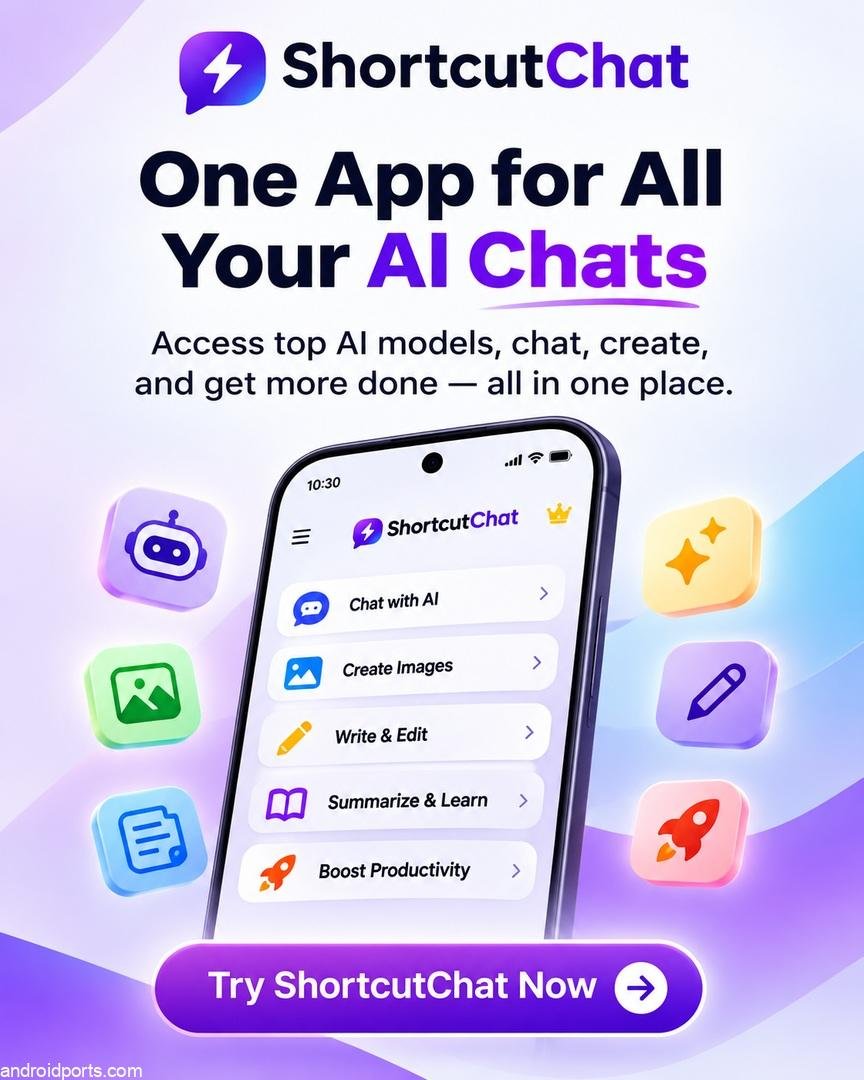
One site instead of several
Most people’s AI use looks like a row of tabs: one for writing, one for a chatbot, one for the article you’re summarizing. A single site collapses that. You stop re-typing the same context into a second tool, stop forgetting which service produced the draft you liked, and keep one login instead of five.
Whether it holds up depends on what the site actually ships, how fast it responds, and whether it demands an account before you can do anything. A combined interface saves time when the pieces inside it are good. It saves nothing when they aren’t.
Who is it for
Students can get a concept explained, build a study outline, or test whether they actually understand a topic. That works better as a step toward working something out than as a substitute for checking the answer.
Office workers and small business owners get the obvious use: early drafts of emails, notes organized into something presentable, slides that need a structure before they need design.
Bloggers and creators do idea work all day, and that’s where an assistant earns its keep. Planning an editorial calendar, testing headlines, working out what a piece should cover. Writers for sites like AndroidPorts.com run into this constantly, and generating topic options is quicker than waiting for one.
Some of it is smaller than that. Planning a trip, phrasing a message to a friend, working out where to start on a hobby.
Privacy
Read the privacy policy and the terms before you start typing. An AI site sees everything you send it, and that can include details about your work, your money, or other people.
Keep passwords, card numbers, and confidential documents out of it unless you know what happens to them afterward. Check the answers that matter against a second source, since a confident reply isn’t the same as a correct one.
FAQ
What is the ShortcutChat?
An online AI platform for conversation, writing, brainstorming, and general productivity tasks.
Do I need to install an app?
The version described here runs in a browser. Whether it works in yours, and whether it needs an account, is on the site rather than in this article.
Can it help with content creation?
AI chat platforms can generally produce ideas, drafts, and edits. What ShortcutChat’s own tools do is best tested on the site.
Is it free?
Pricing, subscriptions, and any limits on free use aren’t verified here. The site’s pricing page is the place to look.
Will it work on my phone?
Browser-based AI services usually run on mobile. That depends on the site’s compatibility and which features it turns on there.
Before you sign up
The appeal is easy to see. Fewer tabs, one login, writing and ideas in the same place. Plenty of people are annoyed by exactly the thing it targets.
The parts that decide whether it’s worth using are the ones this article can’t answer: whether the tools are any good, what access costs, and what the site does with your text. Those are on the developer’s own pages, and they’re worth reading before you make an account.
For more AI tool reviews, website write-ups, and Android guides, see AndroidPorts.com.
Download ShortcutChat
Download (10 MB)You are now ready to download ShortcutChat for free. Here are some notes:
- Please read our MOD Info and installation instructions carefully for the game & app to work properly
- Read the FAQ carefully for more details
4.1/5 (2 votes)












Leave a Comment