UC Browser app, developed by Chinese web giant Alibaba is one of the most downloaded browsers in Google play. UC Browser was the most used and fastest-growing browser in India before the government banned it along with 59 other Chinese apps.

UC Browser APK Download: Fast & Feature-Rich, But Should You Install It?
| Name | UC Browser |
|---|---|
| Publisher | UC Browser |
| Genre | business Entertainment Social |
| Size | 63 MB |
| Version | 13.4.0.1306 |
| MOD Info | Original |
| Get it On |

|
MOD Info
Original
What's new
With UC Browser for Android, you will get the fastest speed of downloading than any other browsers available on the Android market.
UC Browser APK Download for Android, including speedy browsing, video tools, incognito mode, AI translation and UC Drive. Learn how to install it safely.
Mobile browsers used to be simple—they just opened websites. Now, people want more: quick downloads, smooth videos, privacy controls, easy translation, and good file management without hopping between apps.
UC Browser tries to wrap all that into a single package.
Made by UCWeb, UC Browser is still a popular choice on Android. Google Play shows it has over a billion downloads and a 4.4-star rating, and it was last updated on July 27, 2026.
If you’re browsing AndroidPorts.com for info about the UC Browser APK, this guide breaks down what UC Browser does, what’s new, and what you should watch for before installing any APK.
What Is UC Browser?
UC Browser is a web browser for Android, developed by UCWeb Singapore Pte. Ltd.
The latest Android version doesn’t just browse websites—it blends in tools for downloading, watching videos, privacy, and cloud storage.
According to Google Play, it runs on UCWeb’s U4 engine and comes with speedy downloads, its own video player, incognito browsing, and night mode.
So, the browser really targets folks who want more than just basic web surfing on their phones.
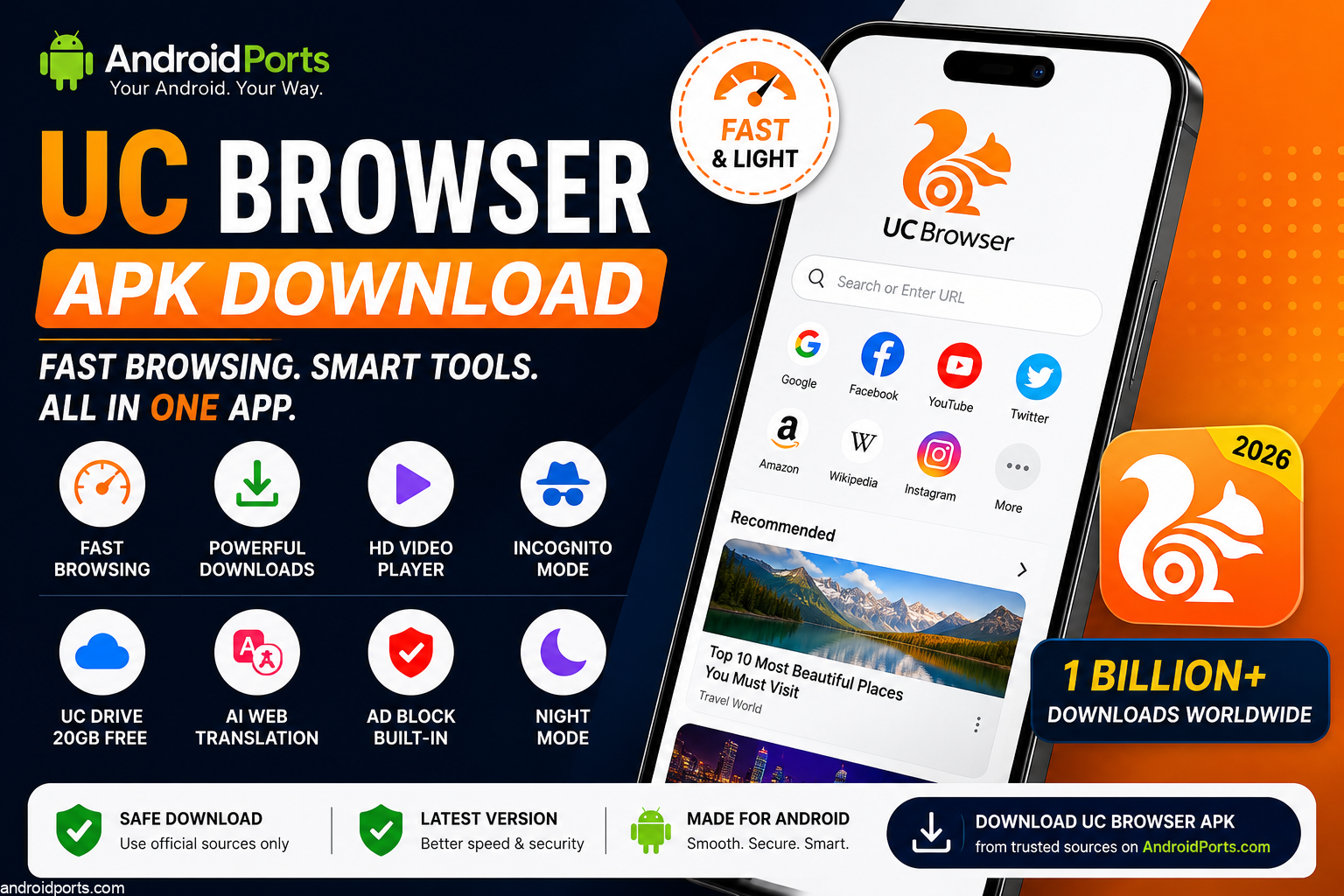
What’s New With UC Browser in 2026?
UC Browser isn’t just a lightweight browser anymore. It’s pushing AI, cloud storage, and media features pretty hard.
Currently, the Play Store description mentions AI-powered page translation, video acceleration, new download tools, multi-engine search, and UC Drive.
That makes UC Browser stand apart from browsers that stick to just standard web navigation.
1. Fast Web Browsing
Speed is still UC Browser’s main draw.
UCWeb claims the U4 engine boosts web connections, standards, video, security, stability, and storage compared to older versions.
Of course, how fast it feels depends on your device, your internet, the websites you visit, and your Android version.
But if your connection is slow, you’ll probably like a browser built for mobile-first performance.
2. Built-In Download Features
UC Browser’s download manager is famous.
Downloads aren’t just thrown in as an afterthought—the browser makes them part of the experience.
UCWeb says its download system makes downloads faster and steadier.
That’s handy if you often grab documents or photos on your phone.
Just remember: always follow the site’s rules and copyright. Don’t download stuff you shouldn’t.
3. UC Drive Cloud Storage
One standout feature here is UC Drive.
UCWeb offers 20GB of free cloud storage for files, photos, and videos. You can stream stuff straight from UC Drive with the built-in media player.
It’s a neat combo—you don’t have to clog up your phone with every file. Keep what you want in the cloud and pull it up when needed.
4. Video Playback
UC Browser really leans into video.
Its player lets you tweak speed, use a floating window, and control playback with gestures.
So you can speed up or rewind, and the floating window helps if you’re multitasking.
This approach is different from browsers that just rely on websites to handle video.
5. AI Web Translation
UC Browser’s got a fix for language barriers.
It uses AI for webpage translation, so you can instantly read sites in another language.
That’s super helpful if you’re browsing international sites, traveling, doing research, or shopping from foreign shops.
You can also switch between search engines easily.
6. Incognito Browsing
UC Browser includes incognito mode. It shouldn’t save your history, cookies, or cache from private sessions.
But here’s the thing: incognito isn’t totally invisible.
It mostly stops data from being stored locally. It doesn’t hide you from the website, your internet provider, or public networks.
Remember that, regardless of what browser you use.
7. Built-In Ad Blocking
UC Browser comes with its own ad blocker.
UCWeb says it gets rid of webpage ads and pop-ups—making the page look cleaner and maybe speeding things up.
But no blocker is perfect—some ads or trackers will sneak through.
8. Night Mode
If you browse at night, UC Browser’s night mode helps.
It makes things easier on your eyes, especially during long reading sessions.
It’s a simple feature, but honestly, it’s one most people expect nowadays.
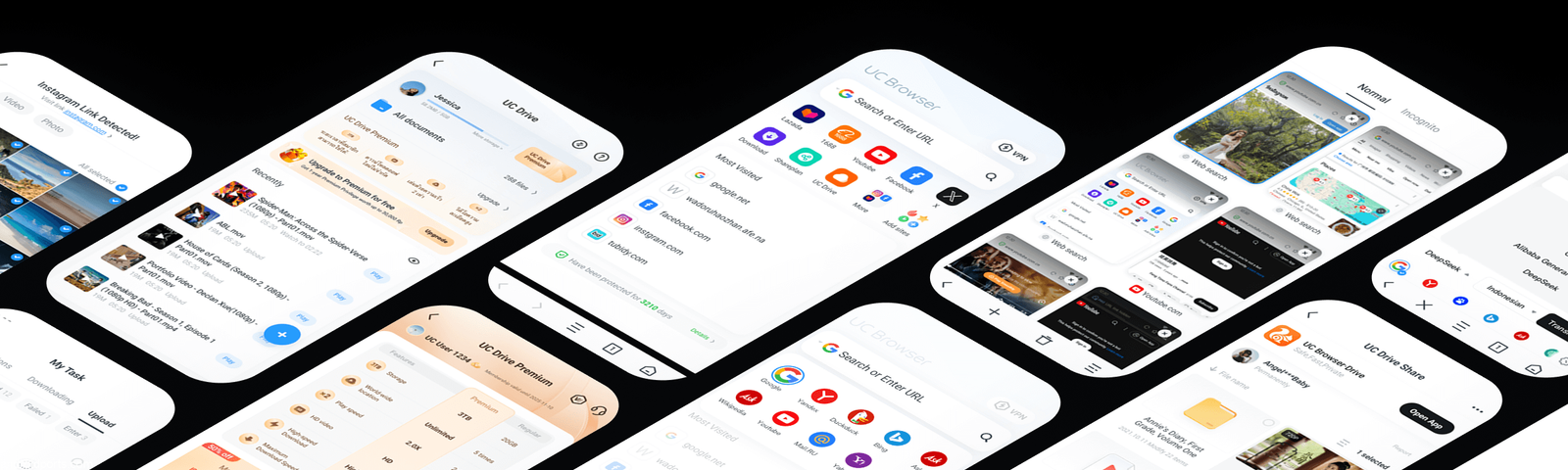
UC Browser APK vs Play Store Installation
You’ve got two ways to get the app.
Google Play installation
When UC Browser is in your store and region, Google Play takes care of installing and updating it.
UC Browser on Google Play
UC Browser APK
APK stands for Android application package—it’s how you install an app outside the Play Store.
Don’t assume every APK is safe or risky. What matters is where you got it and if it’s legit.
If you’re installing UC Browser outside Google Play, get it from UCWeb’s official site—not some random download mirror.
Official UC Browser download page or trusted source like Androidports.com
How to Install UC Browser APK on Android
If your APK is legit and from an official source, Android will probably ask you to let that source install apps.
Usually, you:
Get the APK → Open it → Allow install if required → Check the prompt → Install → Open UC Browser
Menus differ by device and Android version.
For security: don’t turn on unknown-source installs everywhere, and never disable Android’s protections just because a website tells you.
Check the APK Before Installing
Before installing a UC Browser APK, check these:
Did you get it from a trustworthy place like androidports.com?
Is UCWeb named as the developer?
Does the package/version info match?
Has the file been changed?
What permissions does it want?
Does it ask you to disable security?
Is there an official version that’s newer?
Be extra wary of stuff like:
UC Browser Premium MOD APK
UC Browser No Ads MOD
UC Browser Unlocked APK
Modified APKs might not be what the original developer made.
With browsers, that’s risky. They handle your websites, logins, and lots of sensitive info. Stick to official releases.
Privacy Considerations
This really matters.
UC Browser’s Google Play data-safety page says it collects personal info and browsing data. It doesn’t encrypt the data, but you can request deletion.
Check these disclosures yourself before installing.
Data handling also changes with your usage, region, and age.
Your browser is probably the most sensitive app you’ve got.
It sees searches, sites, downloads, logins, and habits.
Don’t pick one just because it’s fast.
Look at its privacy first.
UC Browser: Advantages and Limitations
| Advantages | Things to Consider |
|---|---|
| Fast mobile-focused browsing | Contains advertising/in-app purchases |
| Integrated download tools | Privacy disclosures deserve review. |
| Built-in video player | A feature-heavy interface may not suit everyone. |
| Incognito mode | Availability/features can differ by region. |
| AI webpage translation | Modified APKs introduce additional risk. |
| UC Drive integration | Some users may prefer simpler browsers. |
| Ad-blocking functionality | Browser choice is highly personal. |
| Multi-engine search | Official versions are preferable |
Is UC Browser Good for Older Android Phones?
UC Browser has always appealed to users who want downloading and media features on mobile.
But performance depends on your phone.
If you have an older device, compare browsers for memory use, storage, battery drain, and website performance. Don’t assume UC Browser is always fastest.
UC Mini offers a lightweight option, too—its listing on the Play Store highlights speedy browsing and download/video features.
UC Browser vs Chrome: What’s Different?
Chrome is part of the Google ecosystem and typically already comes pre-installed.
UC Browser is more focused on media and utilities though.
Here’s what sets UC Browser apart:
UC Drive + video tools + downloads + AI translation + ad blocking + multiple search engines.
But that doesn’t mean one is better for everyone.
If you love Google’s ecosystem, stick with Chrome. If you want built-in media tools and downloads, UC Browser might fit better.
It all comes down to what you actually use.
Should You Download UC Browser APK?
UC Browser is a major Android browser, with a billion-plus downloads.
Its current build offers more than just browsing—it packs in video, downloads, cloud storage, AI translation, incognito mode, and more.
But if you’re installing an APK, authenticity is everything.
If you can get UC Browser from Google Play or UCWeb’s site, don’t bother with random versions from sketchy websites.
That’s especially true for browsers, given how much private info passes through them.
Final Thoughts
UC Browser has changed a lot from the simple browser people first used years ago.
Now, it combines browsing, downloads, video, cloud storage, and AI translation in one app.
For AndroidPorts.com readers, it’s a reminder: APK guides should cover more than just “where to get it”. You need to know what the app does, what’s new, what permissions it asks for, and how to check if your APK is genuine.
If UC Browser fits your needs, stick with the official version and keep it up to date.
Frequently Asked Questions
Is UC Browser available for Android?
Yep. It’s on Android and you can get it from Google Play (in supported regions).
Who develops UC Browser?
Developer: UCWeb Singapore Pte. Ltd is listed on the Google Play Store.
Is UC Browser APK free?
Yes—it’s a free app, but it has ads and offers in-app purchases.
Does UC Browser have cloud storage?
It does. UCWeb gives you 20GB of UC Drive storage for free.
Does UC Browser have an incognito mode?
Yes, there’s incognito mode so your history, cookies, and cache aren’t saved during private sessions.
Does UC Browser support AI features?
The current Android version includes AI webpage translation plus other browser and media tools.
Download UC Browser
Download (63 MB)You are now ready to download UC Browser for free. Here are some notes:
- Please read our MOD Info and installation instructions carefully for the game & app to work properly
- Read the FAQ carefully for more details
4.4/5 (2 votes)

Leave a Comment