AI Assistant: Chat, Ask, Search & Create | AI Answers, Chatbot & Image Creator

Download Microsoft Copilot APK – AI-Powered Assistance
| Name | Microsoft Copilot |
|---|---|
| Publisher | Microsoft Corporation |
| Genre | education Photography Productivity Tools |
| Size | 118.8 MB |
| Version | 30.0.440505001 |
| MOD Info | Original |
| Get it On |

|
MOD Info
Original
What's new
Microsoft Copilot: Your Personal AI Assistant for Every Task


Download Microsoft Copilot APK for Android from Androidports.com and explore AI-powered assistance for writing, productivity, image generation, smart conversations, and everyday tasks on your device.
Meet Copilot: AI That Adapts To You
Copilot is an AI assistant ready to help you with any task, from work to inspiration to your daily questions. Powered by the best of Microsoft AI, Copilot makes it easier, faster, and smarter to do what you need to get done.
WHY USE COPILOT?
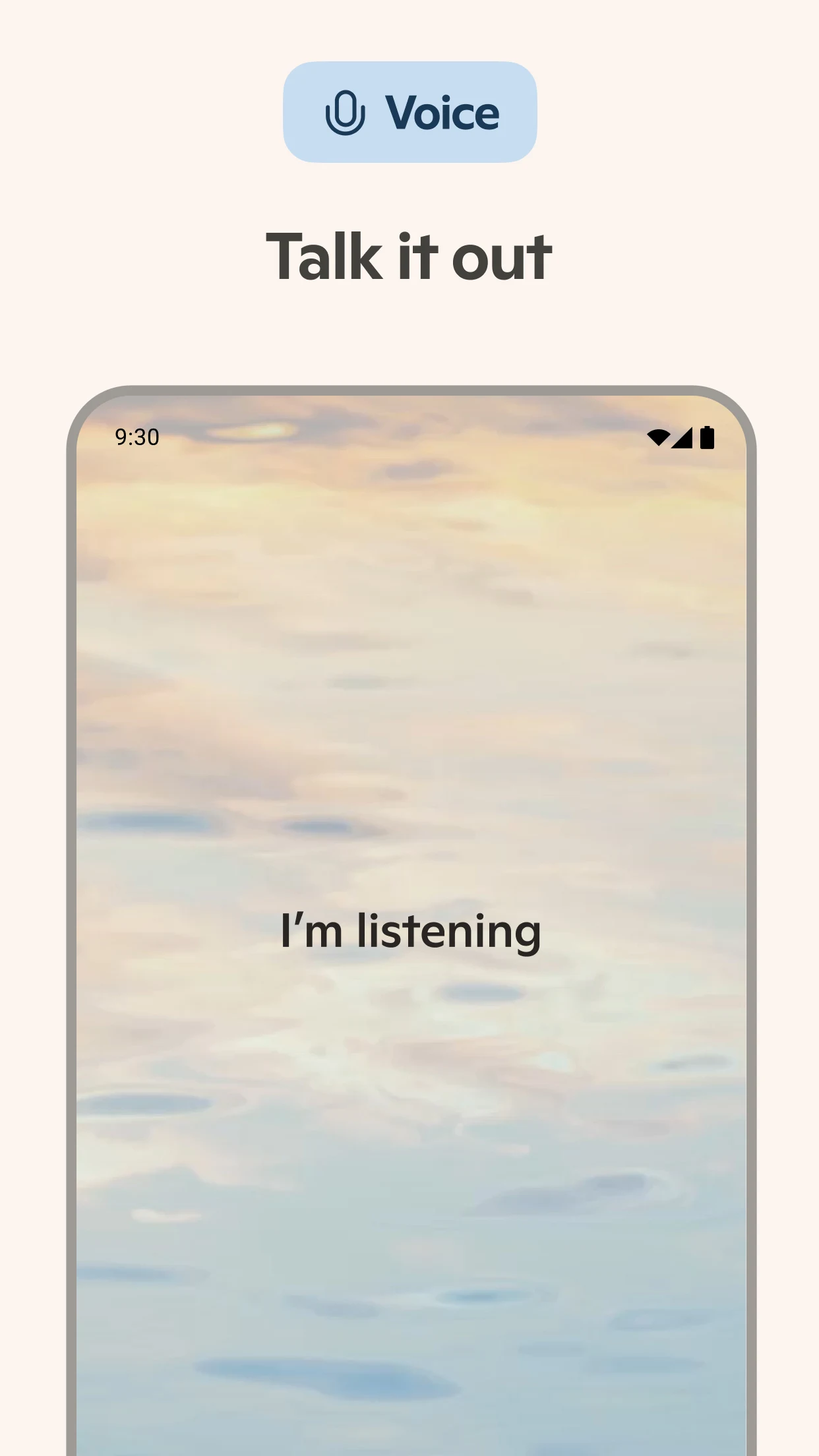
Not Just Another AI Chatbot
Chat with AI that feels just right. Copilot is designed to understand context and provide contextually appropriate responses.
Mico: Copilot Meets Visual AI
Meet Mico, the first AI companion with real-time visual expressions – a new way of experiencing an AI connection.
KEY FEATURES
Make It Beautiful
Get creative with an AI that generates photos from text. Design and draw logos, images, and social media assets with just a few descriptive keywords.
See With A Human Eye
Vision allows you to take advantage of photos to see and learn from images and search by image, by uploading any image to Copilot.
Ready to Help You Learn
- Learn with study tools for flashcards
- Interactive learning with Mico live in Learn
- Interactive learning with Quiz Mode
- Copilot ready to help you learn at your pace
Podcasts, For You, For Listening
Learn from audio podcasts to get your questions answered and topics explained.
Work with ease.
- Draft and edit any type of document, such as emails, slide decks, and reports
- Summarize any content.
- Write in multiple languages with Copilot and translate content.
- Create grocery lists, meal plans, and itineraries.
- Create resumes, cover letters, and reports.
Voice Chat
Brainstorm, write, and answer with hands-free voice chat.
PERFECT FOR
- Students looking to study
- Employees who need assistance
- Those who want to create images
- Anyone who needs an AI assistant
How to Install Microsoft Copilot APK
Here’s what you do:
- Download Microsoft Copilot APK from AndroidPorts.com
- Go into your phone’s settings and turn on installs from “unknown sources”
- Open the APK and hit ‘Install’.
- Launch the app—done
Download Microsoft Copilot APK Now!
Minimum System Requirements
– Android 6.0 or higher
– At least 1GB of RAM (2GB is smoother, honestly)
– Around 100MB of free space
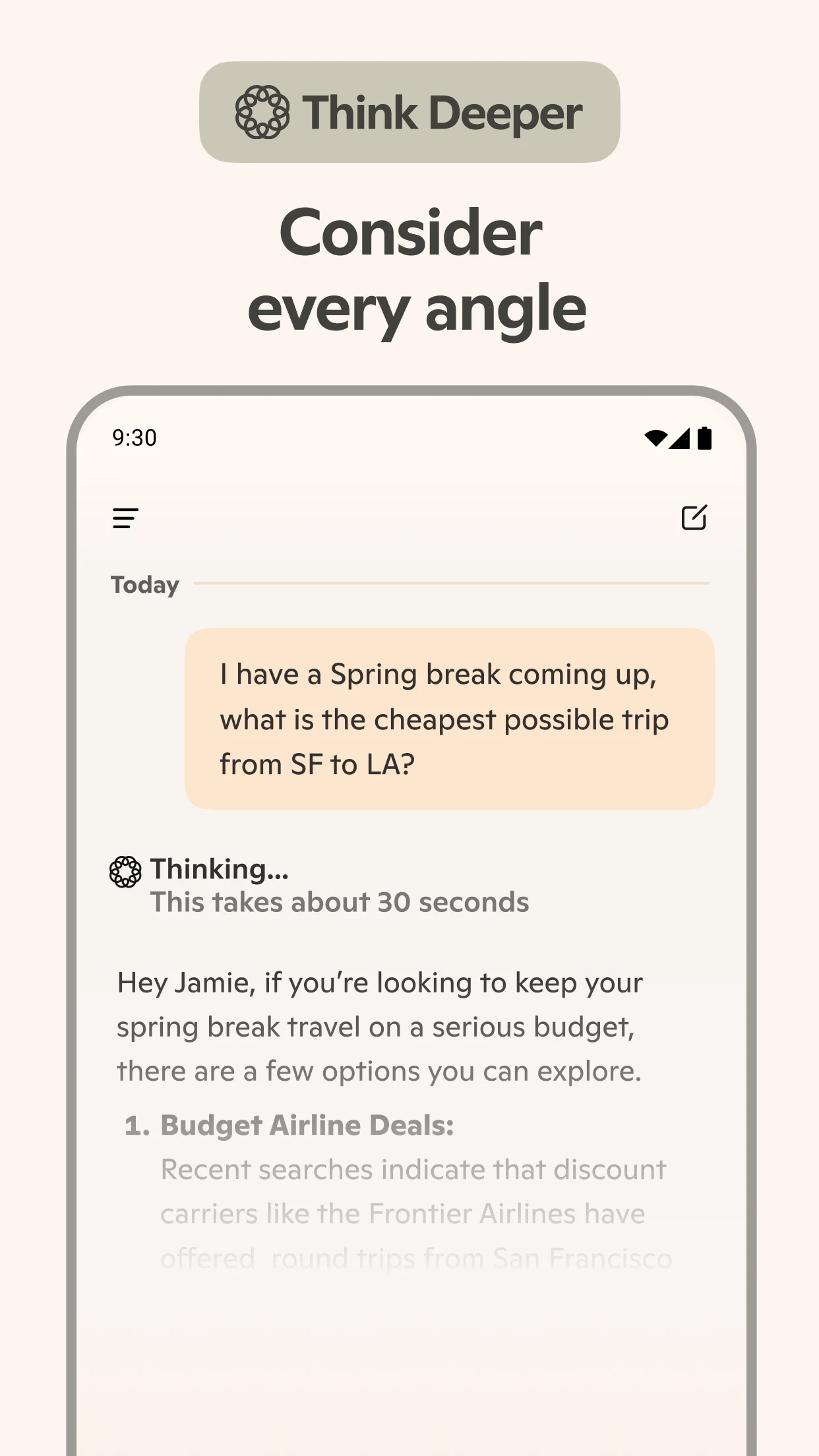
Copilot gives you answers to your questions. Copilot helps you do what you need to get done, whether it’s planning your next trip or giving a presentation. Copilot lets you be a bigger, more creative, confident, and capable version of you.
Microsoft 365 Premium is a subscription for 1-6 people. It offers the highest usage limits available on AI features, up to 6TB of cloud storage (1TB per person), the powerful productivity and creativity apps and features with Microsoft Copilot, advanced security for your data and devices, and dedicated customer support. AI features are only available to the subscription owner, and usage limits apply.
Microsoft 365 Personal is a subscription for one person. It offers 1TB (1000GB) of cloud storage, the powerful productivity and creativity apps with Microsoft Copilot (usage limits apply), advanced security for your data and devices, and dedicated customer support.
Conclusion
Microsoft Copilot gives Android users a smart, all-in-one AI assistant for getting work done, writing, digging up information, and tackling creative projects. The app’s clean look and quick responses make it easy to use, whether you’re just trying it out or planning to use it at work. It works smoothly with Microsoft’s other services, which is a nice bonus. If you like installing apps yourself, the Microsoft Copilot APK version is handy—just remember to stick with trusted sources like Androidports.com so you don’t run into any problems.
Download Microsoft Copilot
Download (118.8 MB)You are now ready to download Microsoft Copilot for free. Here are some notes:
- Please read our MOD Info and installation instructions carefully for the game & app to work properly
- Read the FAQ carefully for more details
4.6/5 (2,274,714 votes)



Leave a Comment