Learn how passkeys work, why they’re replacing passwords, and how Android users can protect their accounts with faster and more secure authentication.
Passkeys Explained: The Future of Android Security | AndroidPorts
Let’s be honest — passwords are a hassle. For years, we’ve juggled complicated combinations of letters, numbers, and symbols for everything from email to banking. And still, people get hacked all the time. Weak passwords, recycling the same ones, falling for fake login pages — it’s a mess. Millions lose access to accounts each year because, in the end, passwords aren’t that strong.
So, the tech world is ready for something better. Enter passkeys. Google, Samsung, Apple, Microsoft, Amazon — all the big players are backing passkeys as the next step. The goal? Make logging in way easier and much more secure. We’ve been watching this unfold at AndroidPorts.com because it really does change how Android users log in — not just next year, but for good.
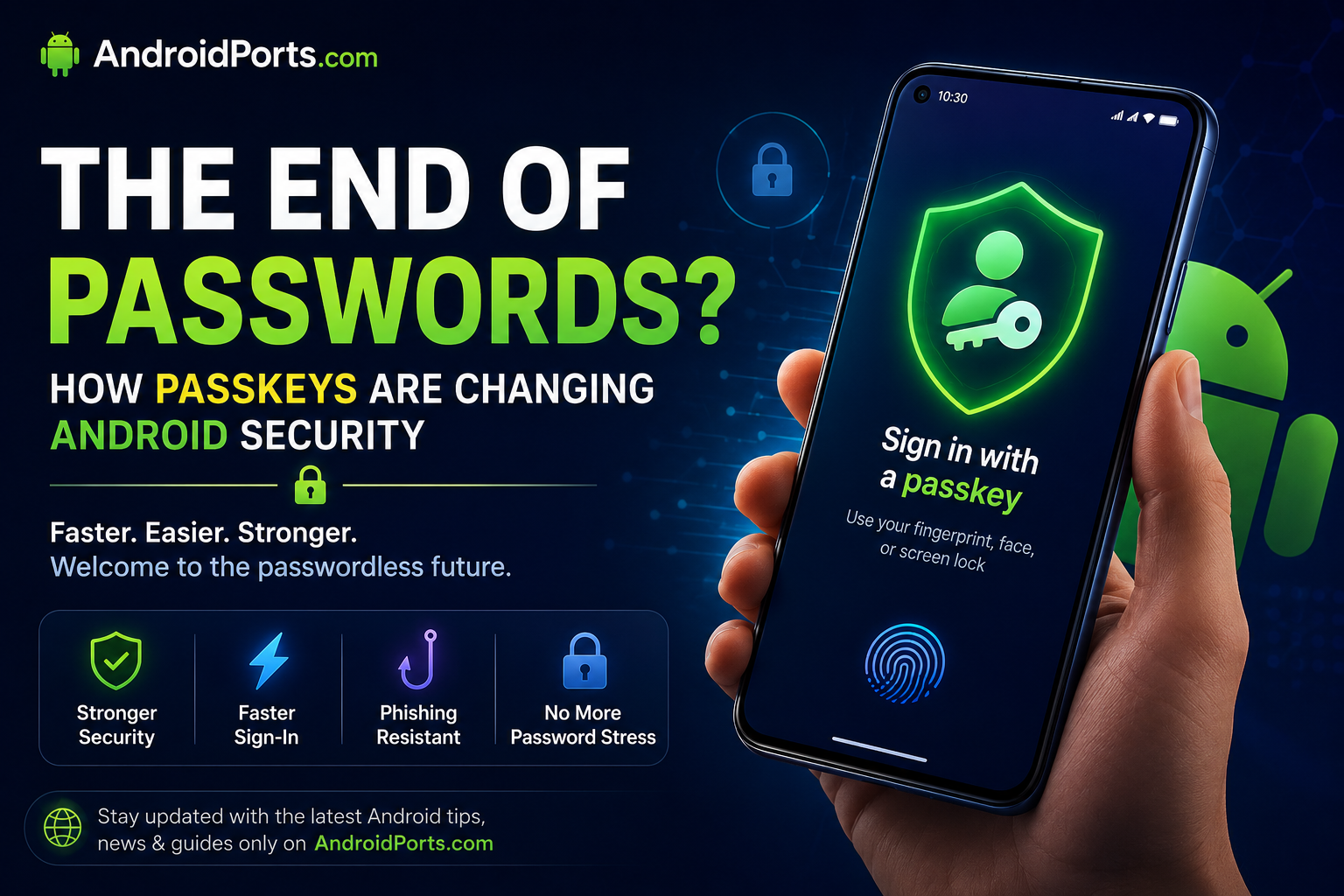
What’s a passkey, anyway?
A passkey is a new way to sign in that skips the password part entirely. Instead, your Android phone creates two things when you make a passkey:
– One private key (kept safe on your device)
– One public key (shared with the website or app)
When you log in, your phone proves it has the private key without ever sending it over the internet. So there’s nothing for hackers to grab or reuse. No more trying to remember “$ecret123!” Just tap, scan, and go.
Why Are Passkeys Actually Safer?
Passwords can be stolen or guessed, and people are often tricked by phishing sites. Passkeys sidestep all that because:
– Every passkey is unique to the site or app
– You can’t use the same passkey twice
– They don’t work on fake pages, period
– The private key stays on your phone
– And you unlock with your fingerprint, face, or PIN
So, even if a cybercriminal spins up a fake login screen, your passkey just won’t work outside the real site.
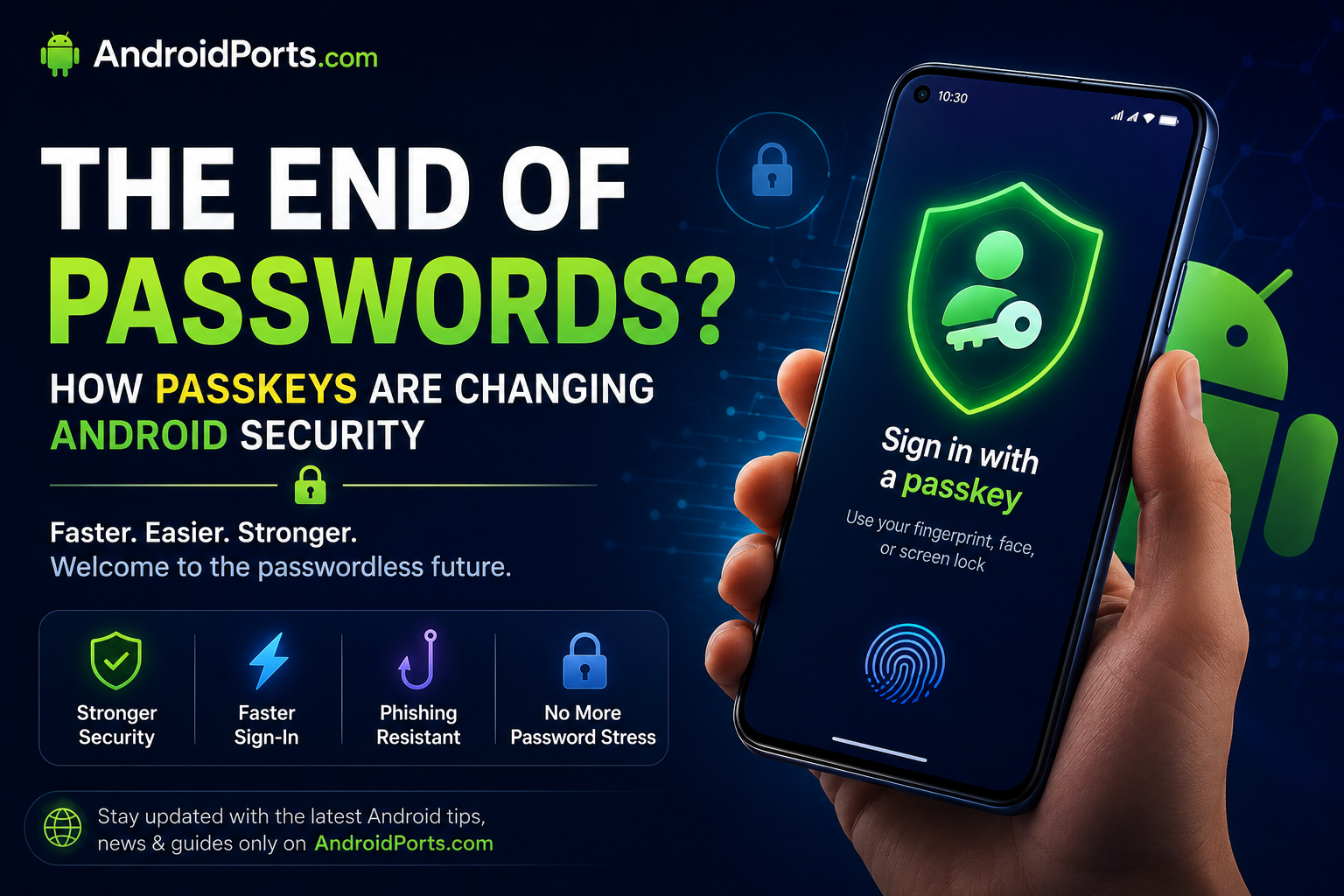
How Do Passkeys Work on Android Phones?
If your phone’s halfway recent, you might already be set up. When you see “Sign in with a passkey,” here’s what usually happens:
1. Tap the option
2. Scan your fingerprint, show your face, or punch in your PIN
3. Boom, you’re in
It’s way quicker than typing out a long password or waiting for a verification code.
Which Apps Actually Offer Passkeys Right Now?
More and more, honestly. Depending on where you live and what services you use, you might spot passkey options for the following:
– Google accounts
– Amazon
– Microsoft accounts
– PayPal
– GitHub
– Shopify
– Some popular password managers, too
Developers are adding passkey support all the time, so expect this list to get longer.
Why Android Users Should Pay Attention
Here’s what you get with passkeys:
– Faster logins
– Stronger protection from fake sites and scammers
– No more brain-melting password rules
– Less risk your info leaks out
– Simpler account access across devices
So yeah, fewer “reset your password” emails and more time actually using your apps the way you want.
Do We Still Need Password Managers?
For now, yes. Some websites still only know how to handle old-school passwords, and you might still want a place to store credit card numbers or important notes securely.
But as passkeys spread, you’ll probably pull up your password manager way less for daily logins.
Quick Tips Before You Dive In
Thinking about jumping on the passkey bandwagon? Here’s what you should do:
– Keep your Android updated
– Use a secure screen lock
– Set up and test account recovery options
– Check your security settings now and then
– Don’t ditch two-factor authentication just yet
Conclusion
Passkeys are one of the biggest leaps forward in online security in years. Swapping out flimsy passwords for cryptographic logins makes life easier and much safer at the same time.
As more services jump in, you won’t have to remember endless passwords or stress about common hacks. That’s a win.
Want more tips for keeping your Android secure, plus app guides, tech news, and helpful reviews? Head over to AndroidPorts.com.
Frequently Asked Questions
1. Do passkeys mean passwords are gone for good?
Not right now. Plenty of sites still use regular passwords — but passkey support is taking off.
2. Will passkeys work on my Android phone?
Most new Android phones can use passkeys, as long as the service supports them.
3. Are passkeys really safer?
Absolutely. They’re built to block phishing attacks and dodge classic password problems.
4. What if I lose my phone?
Each service has its own recovery options. Just make sure you keep those up-to-date.
5. Should I still use two-factor authentication?
Definitely. It’s still a smart move for extra security, even as you start using passkeys.
Leave a Comment