Share the moment!


Snapchat APK Download – The fastest way to share a moment
| Name | Snapchat |
|---|---|
| Publisher | Snap Inc |
| Genre | Communication |
| Size | 121.1MB |
| Version | 10.22.7.0 Beta |
| MOD Info | Original |
| Get it On |

|
MOD Info
Original
What's new
Just a little tune-up to keep everything running smoothly! 👻


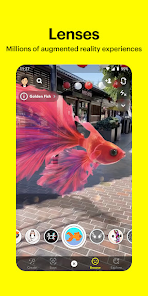


Snapchat APK Download for AndroidPorts.com: Safe Installation Guide
Social media has transformed how we communicate and share our personal lives, and Snapchat continues to be one of the most popular social media platforms. Known for its disappearing messages, playful filters, and interactive stories, Snapchat attracts millions of daily users who eagerly post their daily updates and connect with friends.
If you are looking to download and install Snapchat APK on your Android device, you are in the right place. At AndroidPorts.com, we have created this easy guide so you can learn how to install Snapchat APK, understand its benefits, and stay safe while doing so.
What is Snapchat?
Snapchat is a mobile app that allows users to send photos and videos that will automatically delete once the recipient has viewed them, making the experience feel less permanent than sending photos via WhatsApp. These disappearing photos and videos are called “Snaps”. Because of these temporary messages and the app’s exclusive content, Snapchat is one of the world’s most famous apps. It is an extremely private app that lets you share your daily life with friends through its stories feature that lasts for 24 hours. On top of these features, Snapchat also has filters, lenses, video calling, and many more. It has evolved from a messaging app to a full social media platform.

What is Snapchat APK?
APK stands for Android Package Kit, which is just an installer file on Android, similar to how .exe files are installers for PCs and Macs. Apps can be downloaded and installed through the Google Play Store; however, sometimes you cannot access the Google Play Store. In this case, you can install the app manually through the Snapchat APK. Here is when you should download and install the Snapchat APK:
– You don’t have access to the Play Store
– You want to try a different or older version of Snapchat
– You don’t have Google Services installed
– You encountered download problems on Google Play Store
Once you download the Snapchat APK from a safe and secure source, you will get the same experience as the official app.
Why Go With APK?
Lots of folks choose the APK for its flexibility:
– Control updates yourself
– Get versions that actually work on older phones
– Install even if the app’s not in your region
– Troubleshoot problems that come up with the Play Store
Snapchat’s Features
Here’s what makes Snapchat unique:
– Messages and snaps disappear after viewing, so your chats feel private
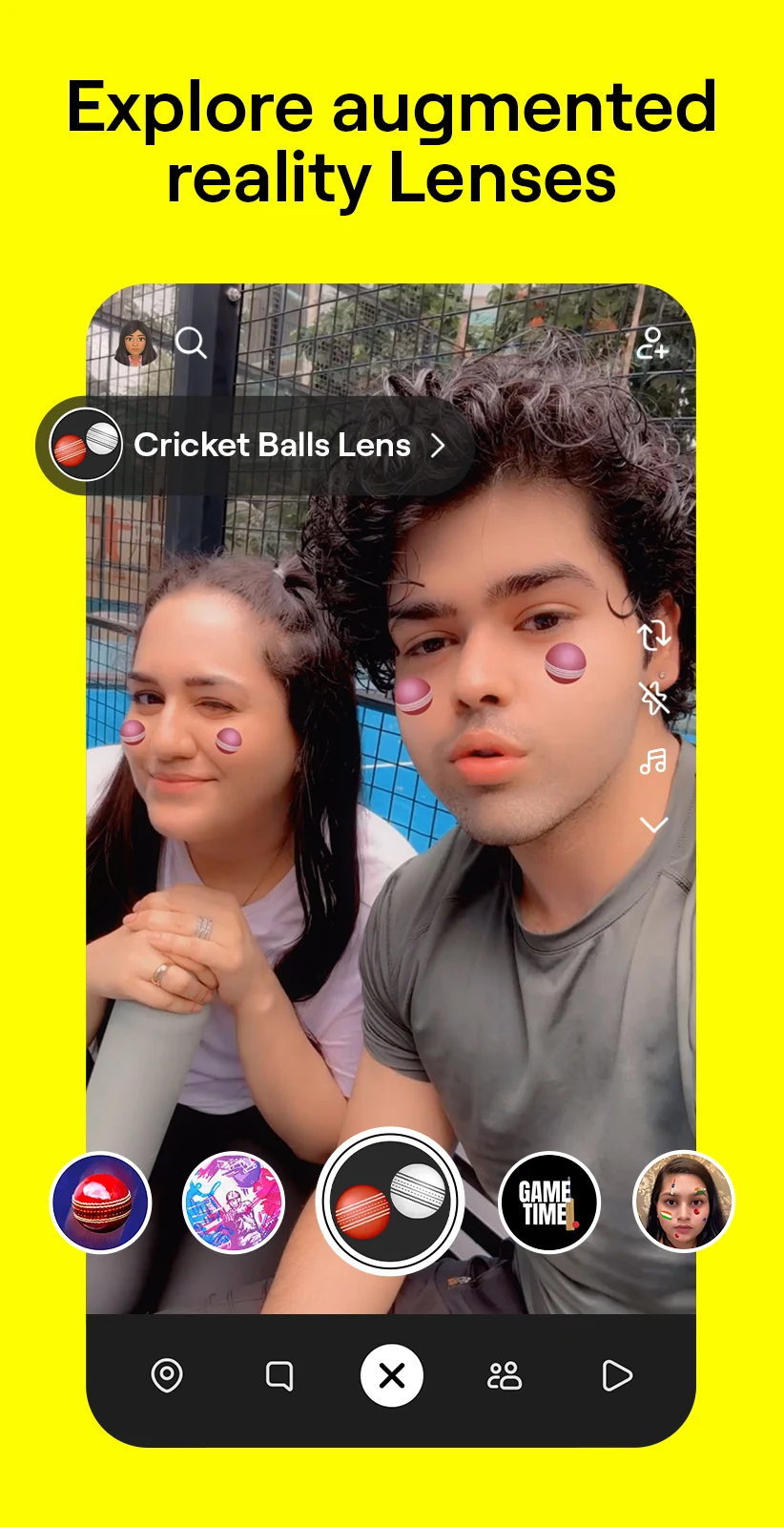
– Filters and lenses to spice up your visuals
– Stories—snaps you post that friends can check out for 24 hours
– Texts, voice calls, and video calls
– Snap Map, where you can see friends’ locations (if they share)
– Discover content from brands, creators, and media
How to Install Snapchat APK
Ready to get started? Here’s what to do:
- Enable Unknown Sources
In your settings, go to Security, then Install Unknown Apps, and turn on permissions.
- Download the APK
Head over to AndroidPorts.com and get the Snapchat APK (make sure the source is legit).
- Find the File
Open your Downloads folder in a file manager.
- Install
Tap the APK and hit “Install”.
- Open the App
Sign in or make a new account, and you’re good to go.
Is the Snapchat APK Safe?
Safety matters, especially with APK files. The official Snapchat app is safe, but APKs from sketchy websites can be risky. Here are a few tips:
– Only download from sites you trust
– Don’t mess with modified or unofficial versions
– Double check the permissions before you install
– Keep your phone updated
– Run antivirus if you can
Why People Love Snapchat
– Quick, real-time chats with friends
– Tons of creative tools for snaps
– Private, disappearing messages
– Fun ways to share moments with Stories and chats
Tips for a Better Snapchat Experience
– Stick with a stable internet connection
– Keep the app updated
– Turn on notifications, so you don’t miss anything
– Check your privacy settings
– Have fun with filters
A Quick Disclaimer
This guide is just for info—you know, to keep things clear and helpful. AndroidPorts.com doesn’t host or promote shady APKs. It’s always safest to grab apps from official sources.
Snapchat’s still one of the best ways to share quick moments and stay connected. The disappearing messages and creative filters are big reasons people love it. Installing via APK can give you a little more flexibility, and sometimes it’s the only way if you run into Play Store issues. Just remember: safety first. Stick to trusted sources, and avoid unofficial files.
Download Snapchat
Download (121.1MB)You are now ready to download Snapchat for free. Here are some notes:
- Please read our MOD Info and installation instructions carefully for the game & app to work properly
- Read the FAQ carefully for more details
4.3/5 (39,309,732 votes)










Leave a Comment