AI-powered Copilot. Personalized keyboard with gifs, stickers & themes

Microsoft SwiftKey APK Download – AI Keyboard
| Name | Microsoft SwiftKey AI Keyboard |
|---|---|
| Publisher | SwiftKey |
| Genre | Personalization |
| Size | 45.03MB |
| Version | 9.12.23.9 |
| MOD Info | Original |
| Get it On |

|
MOD Info
Original
What's new
General improvements to ensure your Microsoft SwiftKey Keyboard runs smoothly.

Microsoft SwiftKey APK Download from AndroidPorts.com – Is It Still One of the Best Android Keyboards?
When you think of Android keyboard apps, Microsoft SwiftKey probably pops up near the top. This app used to go by just “SwiftKey” before Microsoft bought it, and it’s earned a reputation for sharp typing predictions, tons of theme options, support for tons of languages, and even some AI smarts for writing.
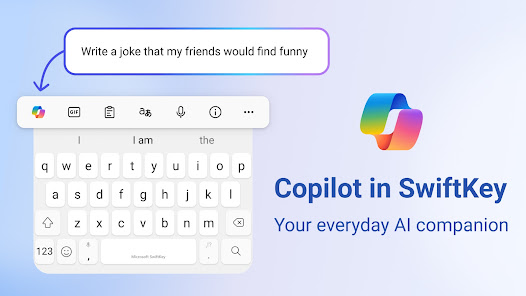
Even after all these years, SwiftKey keeps pulling big download numbers. The app doesn’t just offer the basics—it’s packed with swipe typing, clever AI suggestions, emoji predictions, clipboard tricks, and it even plugs into Microsoft Copilot. Everything you’d expect to see listed on Google Play is there.
Why start with SwiftKey?
Right out of the gate, SwiftKey sets itself apart with an easy start. Some keyboard apps dump a mountain of settings on you, but not SwiftKey. It just walks you through it:
Turn on the keyboard
Set as your default
Pick a theme
Sign in (if you want)
Setup feels smooth and simple, even if it’s your first time.
Looks-wise, Swift Key keeps things modern. The keyboard isn’t cramped, the themes are flexible, animations move nicely—it just feels polished.
But the thing you’ll notice most is how quick the keyboard responds. Even on a cheaper or older phone, it’s snappy. There’s no annoying lag between your fingers and what shows up on screen.
What Makes SwiftKey Different?
Sure, there are tons of Android keyboards, but what’s always set SwiftKey apart is how well it predicts what you want to type.
The app picks up on:
How you type
Words you use a lot
Your personal writing style
Which emojis you lean on the most
When you swap between languages
It basically studies how you type, and after a while, the predictions get eerily good.
Microsoft says they use their own AI for all this prediction stuff, aiming to make your typing both faster and smarter.
If you like making your keyboard your own, SwiftKey’s customization options go way beyond what you get with most built-in keyboards.
How Typing Feels in Real Life
After you spend some real time using SwiftKey, you start to get why loyal Android people never switch back. Swipe typing is fast and almost always nails what you mean. Predictions get even sharper after a few days because it adapts to whatever quirks you have.
Typing in multiple languages? You don’t have to jump through hoops. SwiftKey just handles it. Flip from Spanish to English in the same sentence—it rolls with it easily.
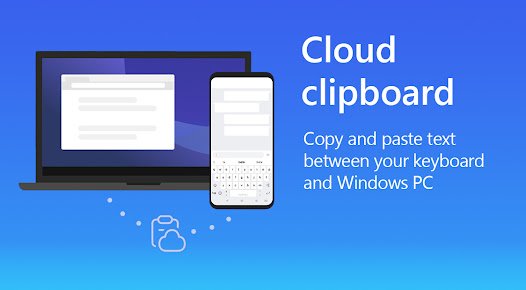
Daily use? It’s got you covered: texting, email, social media, even taking notes or writing longer documents. Clipboard management is really handy, too—you can see what you’ve copied recently and reuse text, which makes you wonder why every keyboard doesn’t do this by default.
Features That Actually Matter
Let’s skip the marketing fluff. Here’s what actually improves your typing:
Smart Predictions
The keyboard learns from your habits and gets way better with suggestions over time.
Swipe Typing
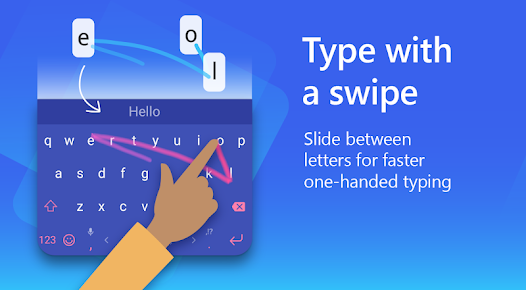
You can swipe out full words quickly, and it’s surprisingly accurate.
Custom Themes
Make it look however you want—change the colors, the key shapes and sizes, add your own background. Lots of options.
Multilingual Support
Type in several languages at the same time with no extra steps.
Clipboard History
Keeps a handy record of what you copy—super useful if you multitask.
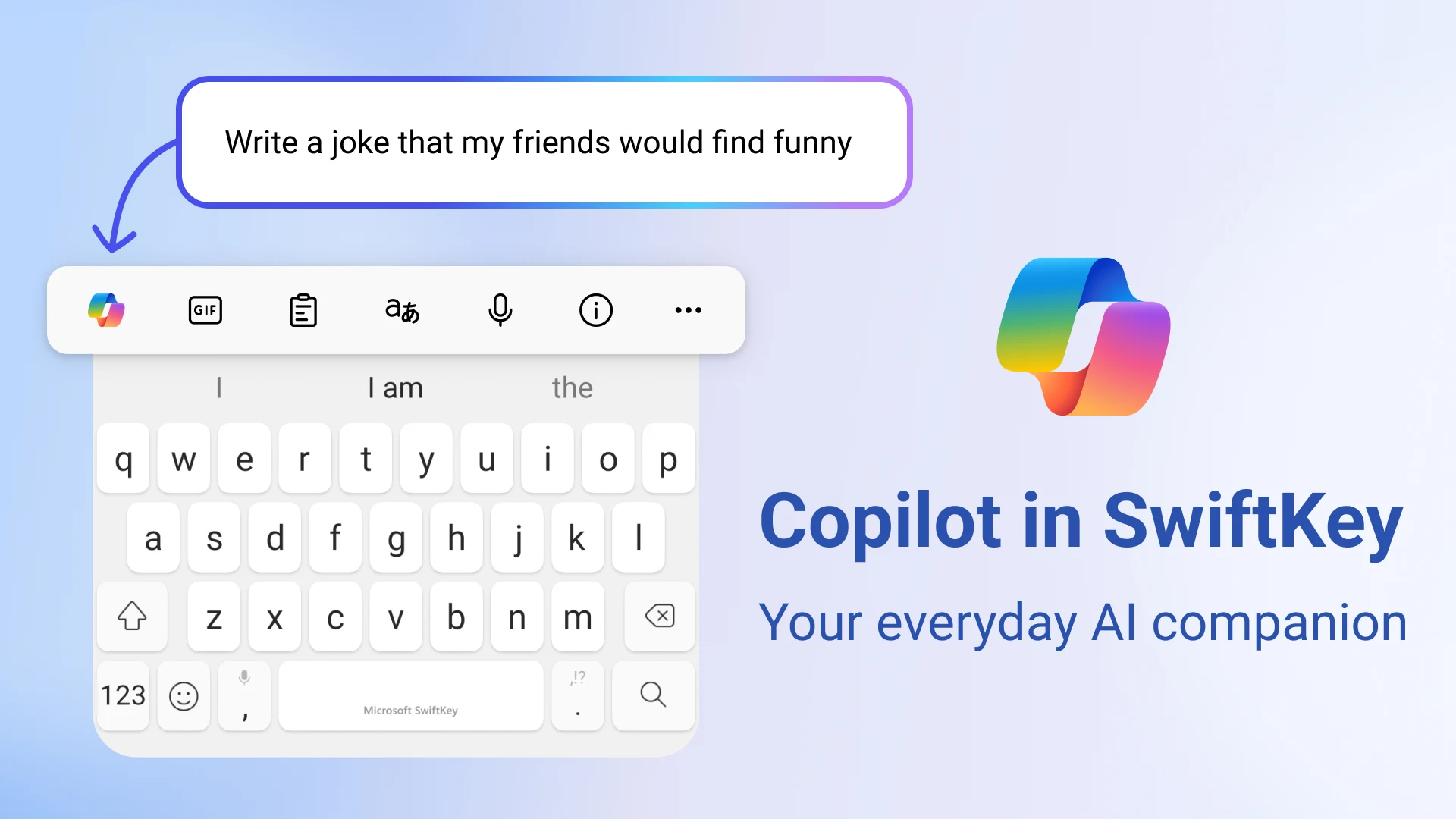
AI and Co-pilot
The latest versions bring in Microsoft’s AI features, so suggestions and corrections feel smarter than ever.
What Needs Work?
Overall, SwiftKey is pretty solid, but nothing’s perfect.
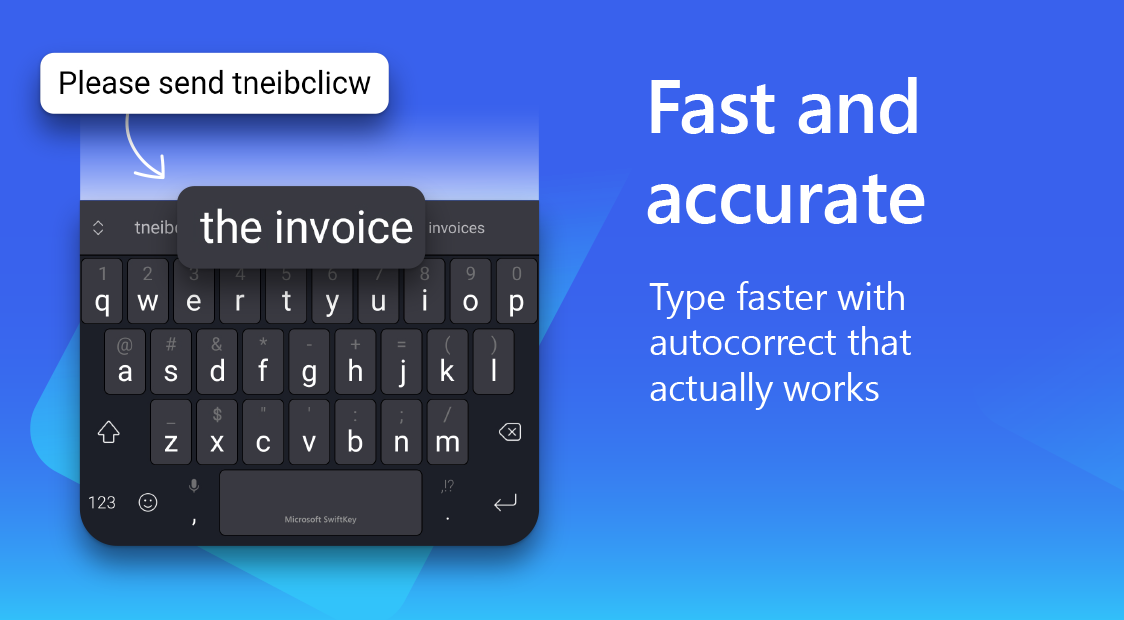
Prediction Mistakes
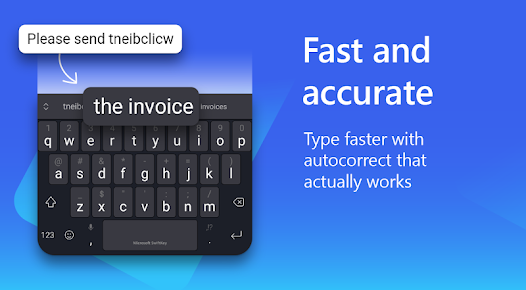
Sometimes, even with all its smarts, autocorrect gets things wrong. You’ll notice it, but not too often.
Memory Usage
It’s heavier than some minimalist keyboards, so it needs a bit more RAM.
AI = Needs Internet
Some of the rarer AI tricks only work well when you’re online.
Privacy
Since it learns from what you type, some people don’t love the idea of their keystrokes floating in the cloud—even if that’s how most smart keyboards work now.
Installing SwiftKey as an APK
If you want to go the manual route, installing the APK isn’t hard:
Download the SwiftKey APK from AndroidPorts.com
Go to your Android settings and allow “Install Unknown Apps”
Find the APK in your file manager
Tap to install
Open SwiftKey when it’s done
Takes maybe a minute or two, start to finish.
What Devices Work?
SwiftKey covers basically everything running Android 7.0 or higher. Phones, tablets, big screens, small ones—it’s all there. Even if your device is a bit old, you probably won’t have any real issues.
Who’s Going to Like SwiftKey the Most?
SwiftKey is built for people who type a lot on Android and want the best predictions, customization, language support, and productivity features like clipboard history. If you write a ton of emails, social posts, or any long-form stuff on your phone, you’ll get the most out of it.
Conclusion
A lot of time has passed, but Microsoft SwiftKey is still one of the best and smartest keyboard apps you can get for Android. Great predictions, smooth swipe typing, top-tier multilingual support, and deep customization help it stand apart from whatever your phone came with.
The typing feels natural and quick, and the app keeps getting more helpful the more you use it. If you love little productivity boosters or want AI-assisted typing, you’ll definitely notice the benefits.
If you’re keen on manual installs, travel a lot, or need updates faster than your app store gives them, the APK route makes sense. Just be careful about where you get it.
For anyone serious about an Android keyboard that keeps up with you, Microsoft SwiftKey still deserves its spot at the top.
Download Microsoft SwiftKey AI Keyboard
Download (45.03MB)You are now ready to download Microsoft SwiftKey AI Keyboard for free. Here are some notes:
- Please read our MOD Info and installation instructions carefully for the game & app to work properly
- Read the FAQ carefully for more details
4.6/5 (4,550,525 votes)


Leave a Comment