Make your own Animations, Video and Photo Edits, Visual Effects, and more!

Alight Motion APK Download — Video and Animation Editor
| Name | Alight Motion — Video and Animation Editor |
|---|---|
| Publisher | Alight Motion |
| Genre | video-players |
| Size | 2.28MB |
| Version | 496.3 |
| MOD Info | Original |
| Get it On |

|
MOD Info
Original
What's new
Alight Motion 4.2.5.866
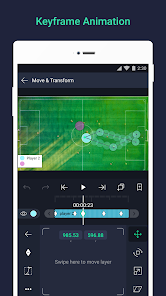
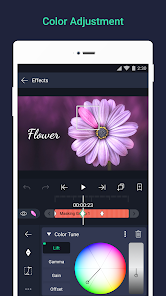

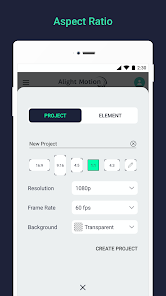

You can get the Alight Motion APK download for Android from AndroidPorts.com and create professional video edits with keyframe animation, motion blur, visual effects, multi-layer editing, and advanced motion graphics tools.
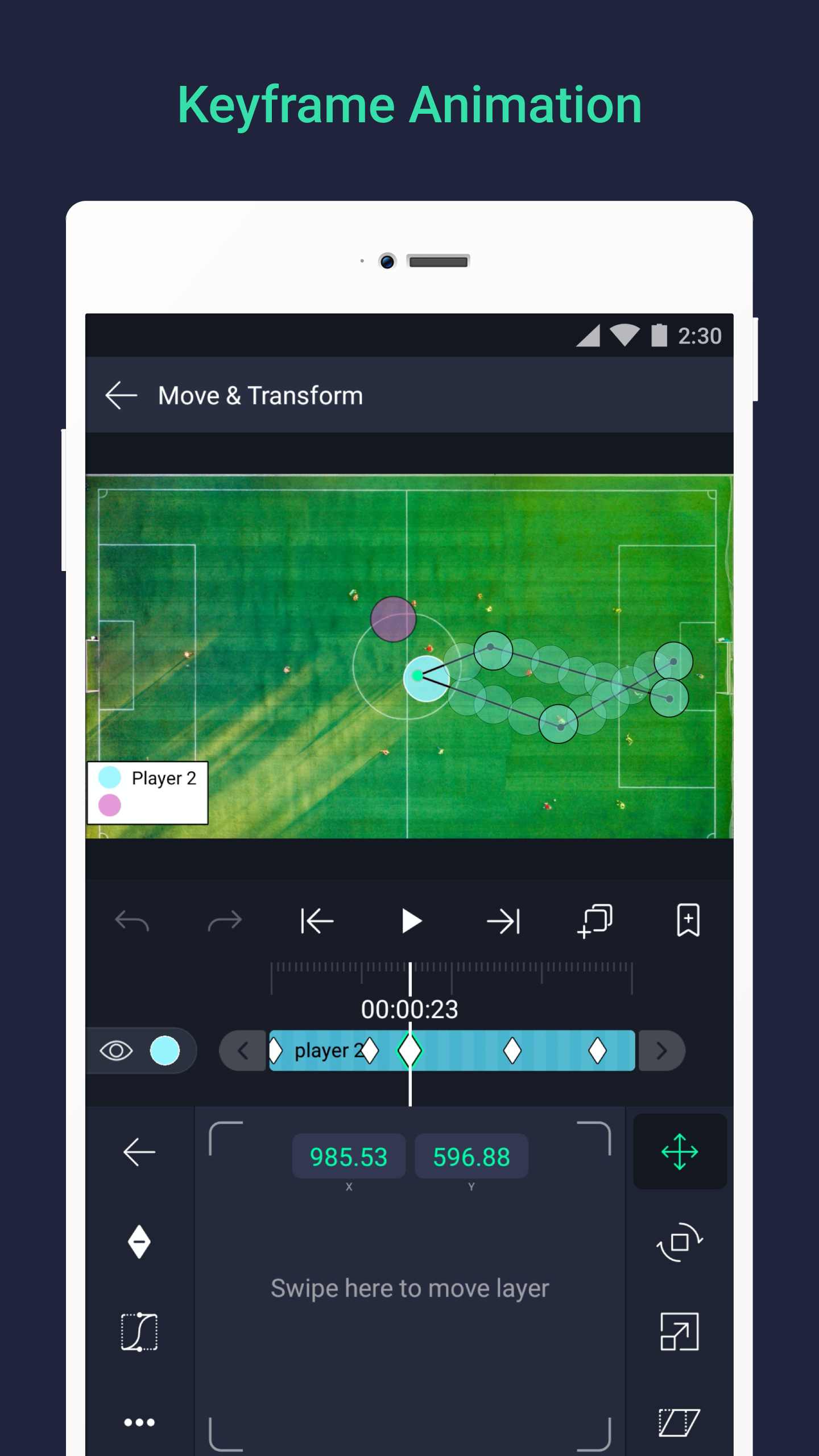
Be part of the movement! Alight Motion is the first professional motion design app bringing you professional-quality animation, motion graphics, visual effects, video editing, video compositing, and more!
• Add multiple layers of graphics, video, and audio
• Vector and bitmap support: edit vector graphics right on your phone!
• 160+ basic effect building blocks that can be combined to create sophisticated visual effects
• Keyframe animation available for all settings
• Link parent and child layers and rig character joints
• Use Cameras that pan, zoom, and support focus blur and fog
• Group layers together and create masks!
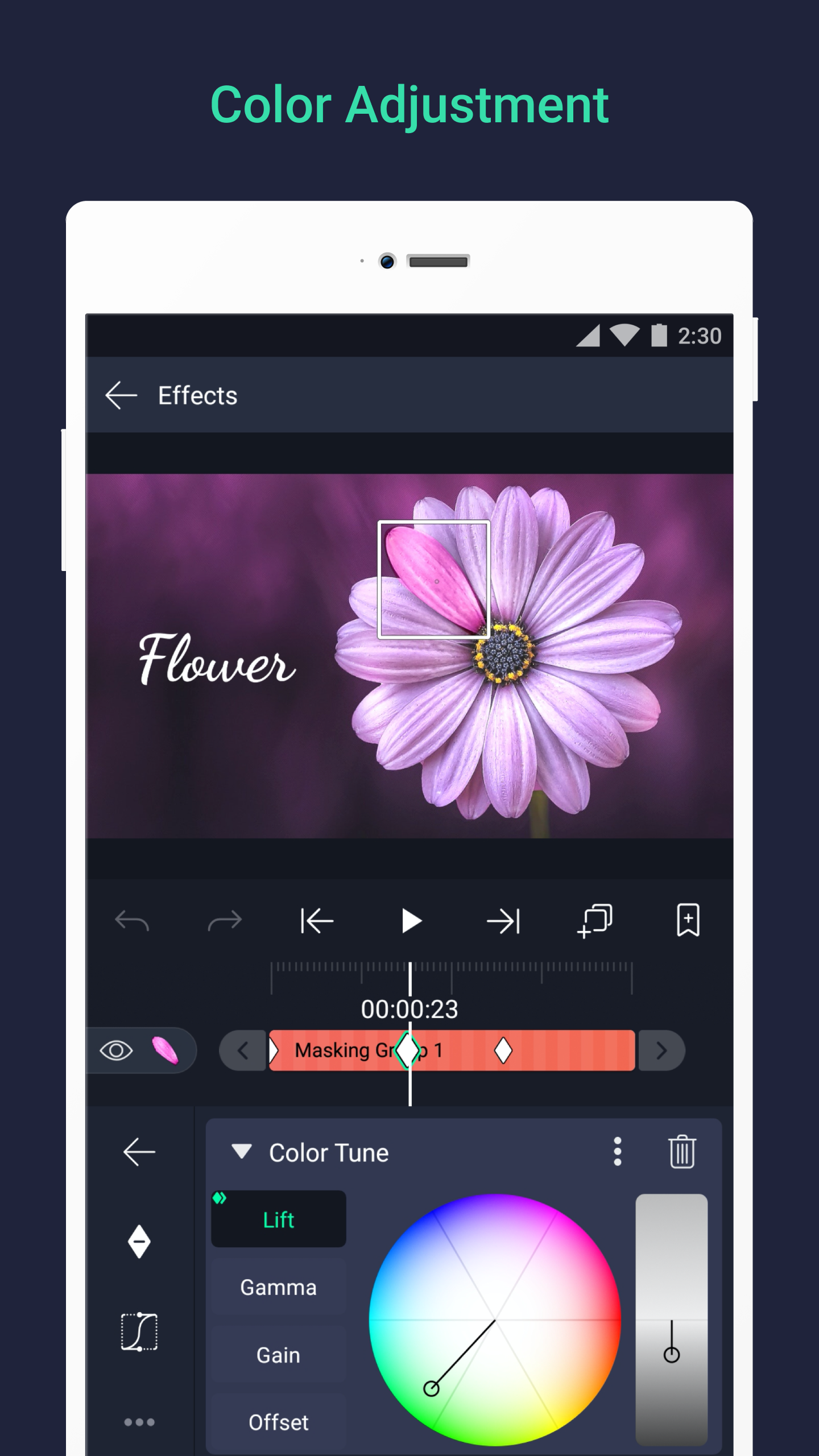
• Adjust colors and change them as you wish!
• Animation easing for more fluid motion: Pick from presets or build your own timing curves
• Add bookmarks for ease of editing
• Make smooth videos thanks to the Velocity-based motion blur
• Export MP4 video, GIF animation, PNG sequences, and stills
• Share project packages with others
• Exploit our solid color and gradient fill effects
• Add effects to Borders, Shadows, and Strokes!
• Add text using the custom font support
• Copy and paste entire layers or just their style
• Save your favorite elements for easy re-use in future projects
Alight Motion is free to use with basic features and a watermark on videos you create. There are paid membership options in the app to remove the watermark and access a regularly updated library of premium effects and features. These subscription membership options are charged when you select to purchase them and renew automatically unless cancelled at least 24 hours prior to the beginning of the next subscription period. Some subscription membership options might include a free trial period. Subscriptions are processed by Google and can be cancelled via the Google Play Store app or Google Play Store website. You can find more information about subscriptions at https://support.alightmotion.com/
Installing Alight Motion APK from AndroidPorts.com
For users who prefer manual installation, the APK process is straightforward.
Installation Steps
- Download the Alight Motion APK file from AndroidPorts.com
- Open Android Settings
- Enable Install Unknown Apps
- Locate the downloaded .apk file
- Tap Install
- Launch the app after installation completes
The installation usually takes less than a minute depending on device performance.
Device Requirements
According to official app information, Alight Motion works best on devices with:
- Android 7.0 or higher
- At least 1.5GB RAM
- Stable storage availability
- GPU support for advanced effects
Higher-end devices generally provide a smoother editing experience.
Who should give Alight Motion a shot?
It’s best for:
– TikTok creators
– Instagram editors
– Anime editors
– Anyone new to motion graphics
– YouTube Shorts creators
– Mobile video editing fans
If you’re after quick, one-tap edits, there are simpler apps. But if you want real control over your projects, Alight Motion has the advanced tools that creative folks appreciate.
Alight Motion still stands out as one of the most powerful video editing and motion graphics apps you can get on Android. You get keyframe animation, multi-layer editing, a bunch of visual effects, and plenty of pro-level tweaks—all of that helps it stay ahead of lots of other mobile editors.
Yeah, it takes some time to learn, and performance really depends on your device, but if you want to do advanced edits right on your phone, the creative options are hard to beat.
If you’d rather install it manually or can’t use the Play Store, grabbing the APK from AndroidPorts.com works well. Just steer clear of unofficial mods and stick to trusted sites.
For anyone serious about motion graphics, visual effects, or making their social media videos look pro, Alight Motion is still one of the best editing tools you can use on Android.
Download Alight Motion — Video and Animation Editor
Download (2.28MB)You are now ready to download Alight Motion — Video and Animation Editor for free. Here are some notes:
- Please read our MOD Info and installation instructions carefully for the game & app to work properly
- Read the FAQ carefully for more details
4.3/5 (1,229,222 votes)




Leave a Comment