Turn web pages into PDFs to read, comment and share anywhere, anytime.

Adobe Acrobat Reader APK Download – PDF Reader & Editor
| Name | Adobe Acrobat Reader: Edit PDF |
|---|---|
| Publisher | Adobe |
| Genre | education Productivity Tools |
| Size | 156.68MB |
| Version | 25.12.3.42837 |
| MOD Info | Original |
| Get it On |

|
MOD Info
Original
What's new
24.8.1
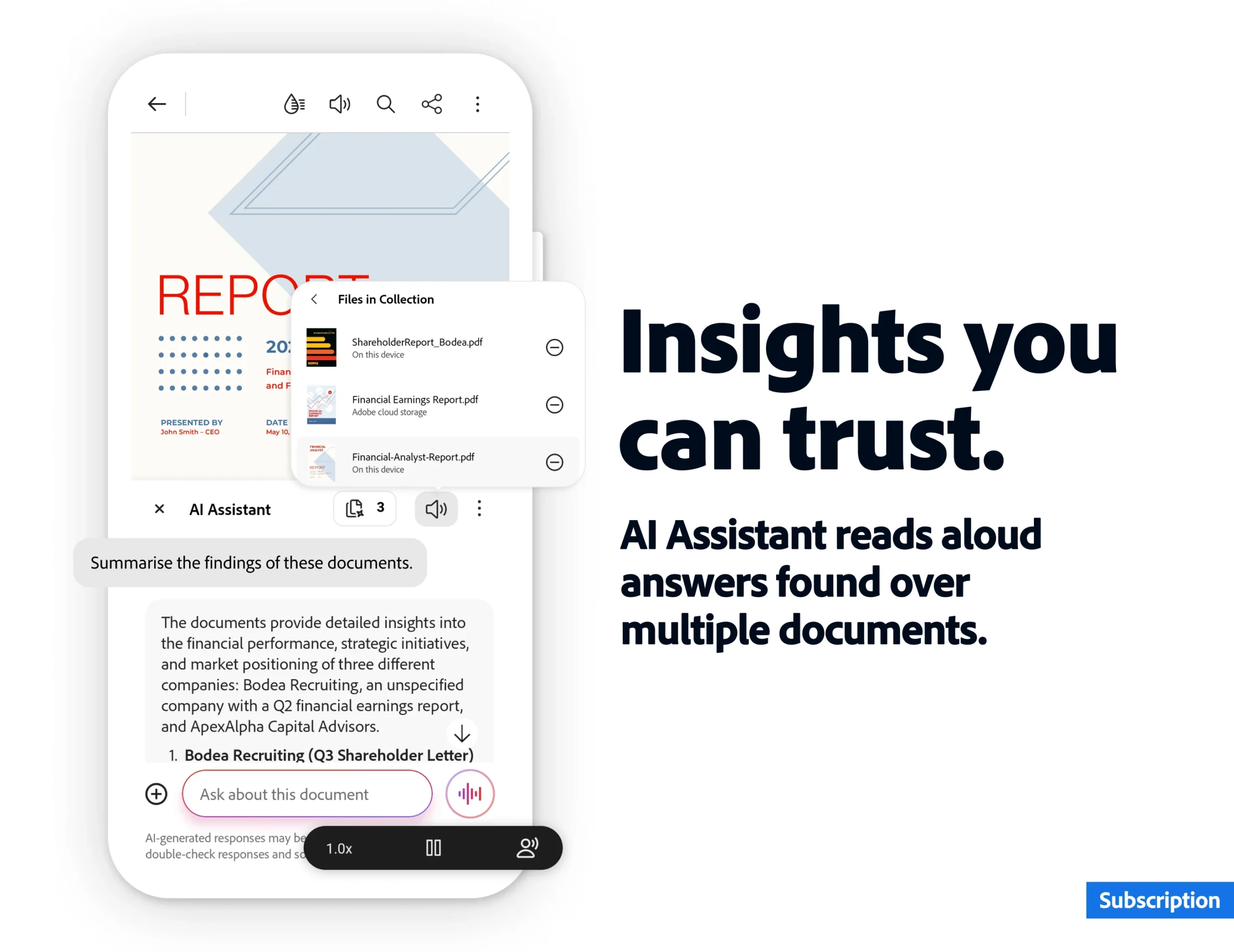
NEW – GET INSIGHTS ACROSS DOCUMENTS YOU CAN TRUST
Let Acrobat AI Assistant generate verified responses from multiple documents, even different file types, saving you hours of combing through your docs for information.*NEW – LISTEN TO AI RESPONSES OUT LOUD
Listen to AI Assistant answer your questions while on the go with Read-aloud mode. Listen to complete answers or simply tap a specific sentence and hear from that point on.


Adobe Acrobat Reader APK Download for Android. View, edit, sign, and scan PDF documents with Adobe’s powerful PDF reader and editor app. Free APK download guide.
Adobe Acrobat Reader just got this big update that seems really useful. They added something called PDF Spaces, where you can collaborate and share files, plus turn summaries into audio like a podcast. And now in the reader app, there are design tools from Adobe Express to make content stand out.
I think the app has over 635 million installs, which makes it the most trusted one for viewing, editing, and making PDFs. You can annotate, comment, and sign stuff, all in one place, and store files online to read anywhere. That part sounds convenient for schoolwork or whatever.
Trial Period
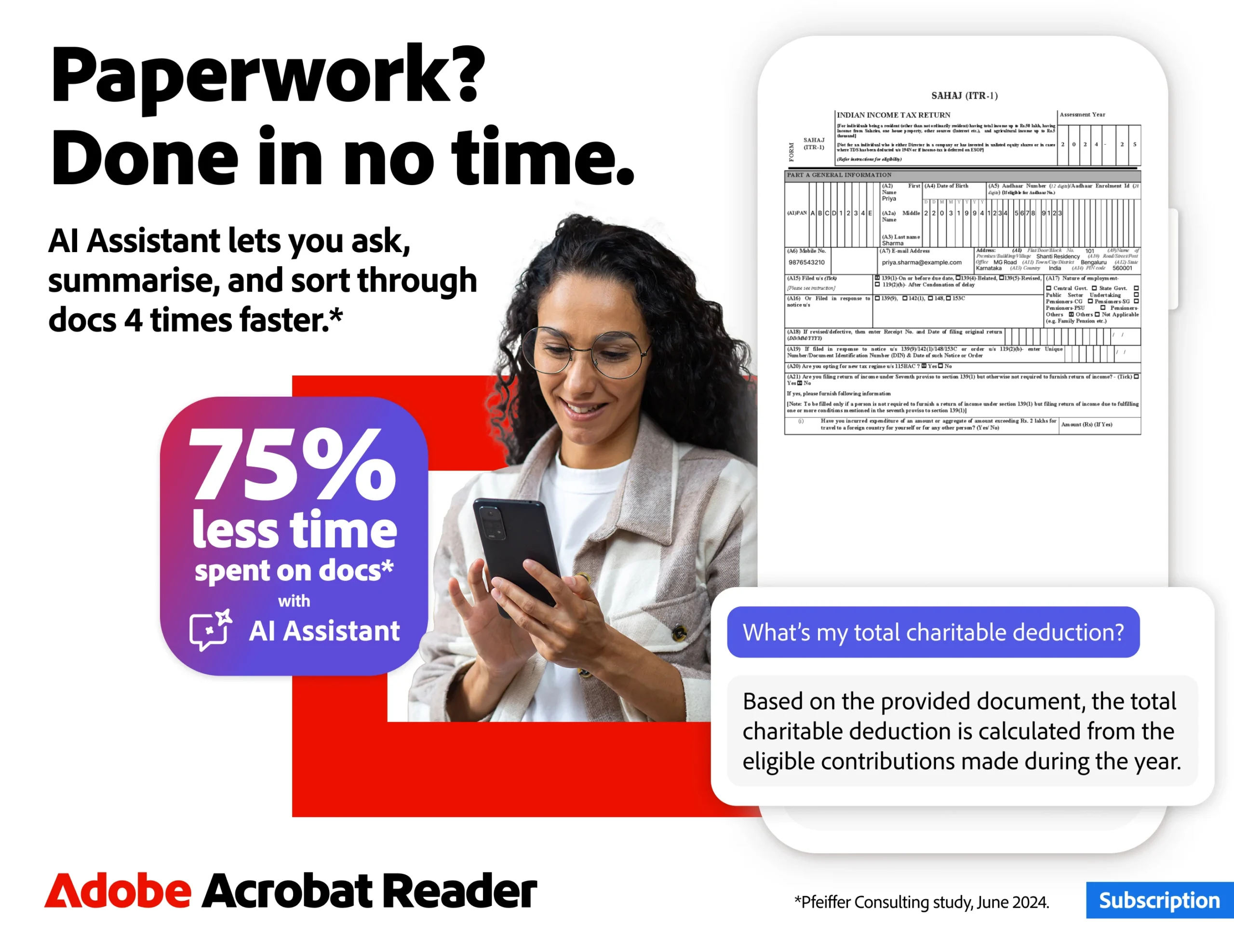
They offer a seven-day free trial to try everything in Acrobat Reader. But a lot of the cool features are paid. Like the Adobe Acrobat AI Assistant, which lets you work with multiple files in PDF Spaces, collaborate, store them, and use the AI across files. You can prompt it with voice or text, ask questions, and get answers with citations, even about charts and graphs through this Figures Q&A thing. Sharing the responses is easy, and it has voice support to read answers aloud. Then there are generative AI summaries for PDFs, and it helps create content for emails, notes, blogs, and that kind of stuff. It is a paid feature, but free for a limited time, I guess.
Adobe App Feature:
Editing PDF’s
Editing PDFs is another paid one, where you can change text and images right in the file, but only on mobile. Fix typos, add paragraphs, and handle images by adding, deleting, and rotating them. The signer and viewer help get docs perfect.
Adding Text in PDF Files:
Recognising text with OCR turns scanned PDFs into searchable, editable stuff you can use elsewhere. That might come in handy sometimes.
Merging Multiple PDF Files
For merging and organising, the PDF converter splits or combines files into one, and the editor lets you insert, delete, rotate, crop, and reorder pages. Creating and converting is straightforward too, from any file type like Microsoft or Google Docs or images, and you can export to Word, Excel, PowerPoint, or images, or even convert web pages to PDFs.
Password-protected compression
Compressing files for sharing and password protecting them – that is all secure. And you can have PDFs read aloud, which is great on the go, with free voices or better ones if you upgrade.
Subscribing gives access to all this on mobile and web. Now for free features, there is the PDF signer, Fill and Sign, which is in the reader app. It fills out forms, signs, and sends them without paying.
Liquid mode makes viewing optimal for searching, navigating, and adjusting font or spacing to fit your screen. Annotating with sticky notes, comments, and highlights is free too.
Store and manage files, link to OneDrive, Dropbox, and Google Drive, and star important ones for quick access. Connecting to Google Drive means editing, compressing, and exporting those files if you subscribe.
Working with scanned docs from Adobe Scan, access them in Acrobat to fill, sign, and share. The mobile app works with enterprise stuff if needed.
There is an AI Assistant add-on for individual customers. It feels like a lot to keep track of, but the basics are solid for everyday use. Some parts get a bit complicated, like all the AI options.
How to Install Adobe Acrobat APK on Android
Follow these simple steps:
- Download the Adobe Acrobat APK file from AndroidPorts.com.
- Go to Settings > Security on your Android device.
- Enable Install from Unknown Sources.
- Open the downloaded APK file.
- Tap Install and wait for completion.
- Launch Adobe Acrobat and sign in (optional).
Once installed, you can immediately start viewing and editing PDFs.
Is the Adobe Acrobat APK Safe?
The official Adobe Acrobat app is developed by Adobe Inc., a globally trusted software company. For safety:
- Download only official APK versions
- Avoid modified or cracked files
- Keep the app updated
- Use secure cloud accounts
Adobe uses encryption and secure cloud storage to protect documents and user data.
Adobe Acrobat APK Details
- App Name: Adobe Acrobat Reader: PDF Viewer, Editor & Creator
- Category: Productivity
- Platform: Android
- Developer: Adobe Inc.
- License: Free with optional premium features
- File Type: APK
The Adobe Acrobat APK download for Android is a must-have tool for anyone who works with PDFs regularly. From reading and editing to scanning and e-signing documents, Adobe Acrobat delivers professional-level functionality in a mobile-friendly format.
If you need a reliable and secure PDF reader and editor, download the Adobe Acrobat APK latest version from AndroidPorts.com and boost your productivity today.
Download Adobe Acrobat Reader: Edit PDF
Download (156.68MB)You are now ready to download Adobe Acrobat Reader: Edit PDF for free. Here are some notes:
- Please read our MOD Info and installation instructions carefully for the game & app to work properly
- Read the FAQ carefully for more details
4.4/5 (7,523,362 votes)



Leave a Reply