A Quick and Pro Video Editor

VN APK Download – AI Video Editor MOD
| Name | VN - AI Video Editor |
|---|---|
| Publisher | Ubiquiti Labs, LLC |
| Genre | video-players |
| Size | 20.1 MB |
| Version | 2.9.10 |
| MOD Info | Original |
| Get it On |

|
MOD Info
Original
What's new
- Bugfixes and performance improvements.
If you encounter problems during using VN app, please feedback in the Settings on the VN app and contact us at vn.support+android@ui.com for emergency. We will help you out as soon as possible.


VN APK Download – AI Video Editor for Android I Androidports.com
VN – AI Video Editor is a solid pick for anyone on Android who wants real editing power without watermarks or a steep learning curve. Whether you’re editing for social, YouTube, or even a professional gig, VN gives you flexibility and quality, all in a package that’s easy to use.
Here’s a quick guide to downloading and installing VN – AI Video Editor on Android, what it can do, and what your phone needs to run it.
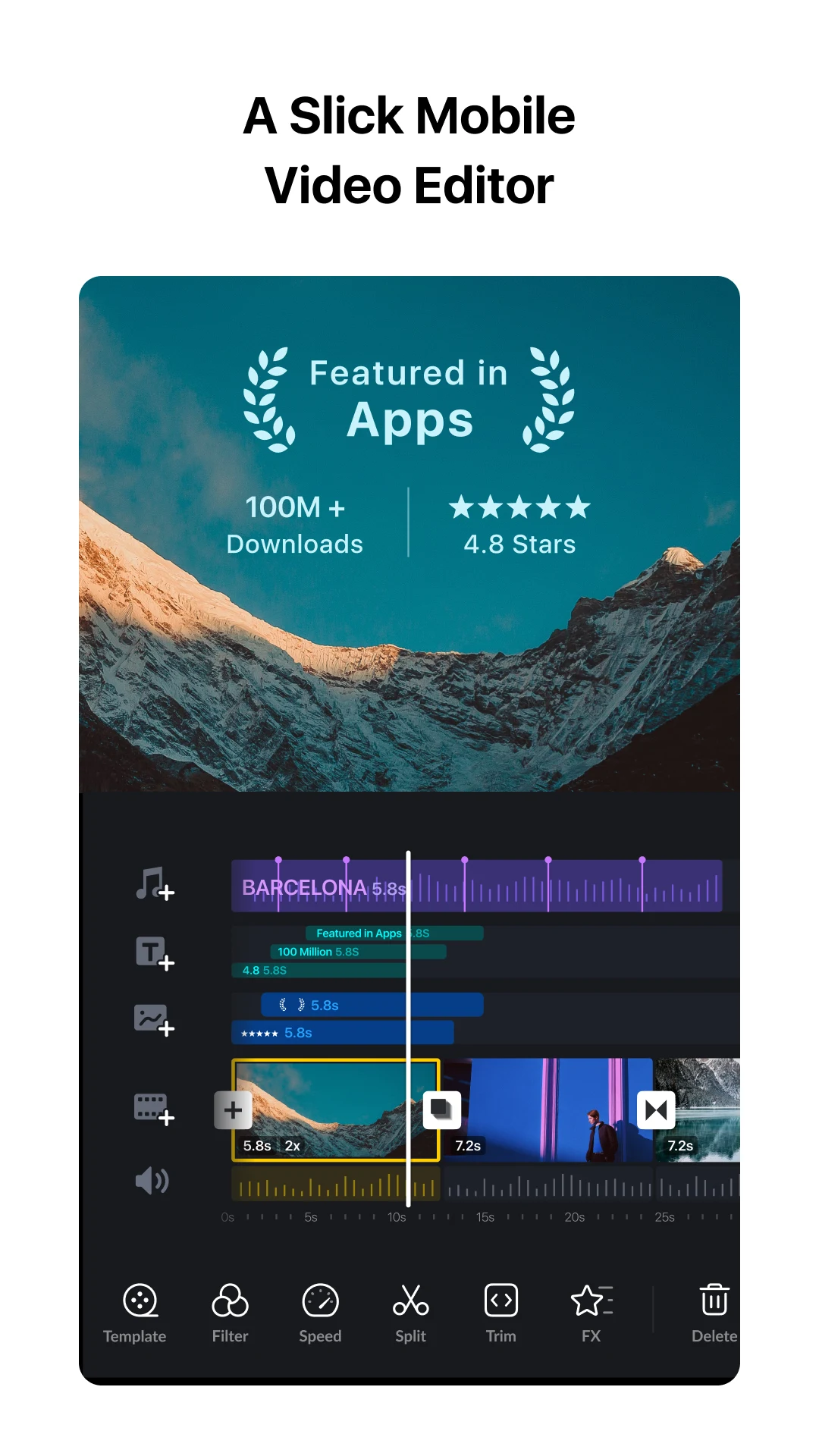
What is VN – AI Video Editor?
VN is free, and honestly, it’s made for anyone who wants good video results without spending hours learning complicated software. You get multi-layer timelines, AI-powered shortcuts, and editing controls that feel precise—but not overwhelming. It’s friendly for beginners, but if you know your way around editing, you’ll still appreciate the features.
You can use VN for:
Short videos and reels
YouTube uploads
Vlogs and tutorials
Stories for social media
Key Features at a Glance
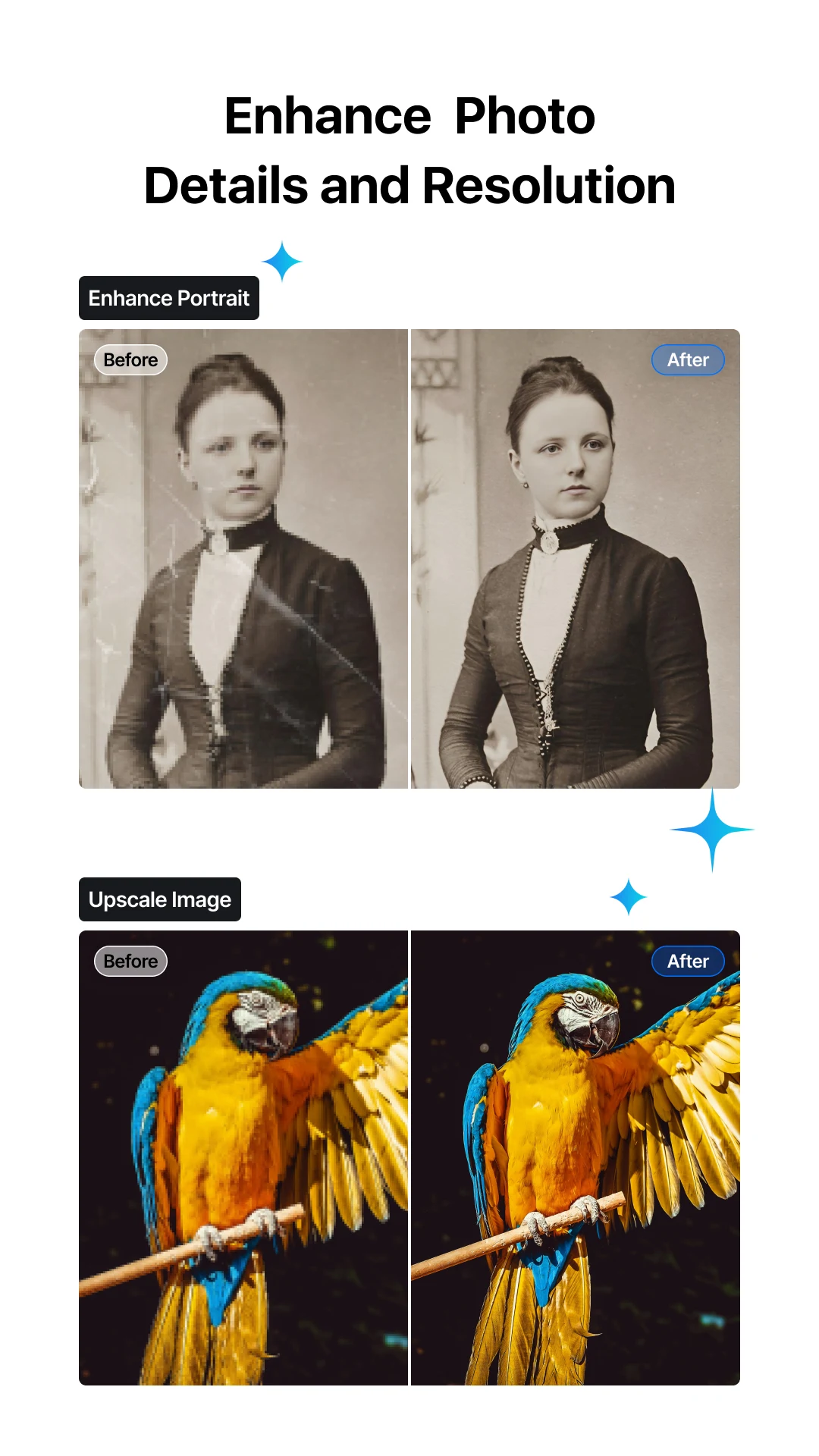
AI Editing Tools: The app uses AI for smart cuts and automatic touch-ups that actually look good.
Multi-Layer Timeline: You can edit video, audio, and text separately—makes things a lot easier.
Music & Sound: Drop in background music, add voiceovers, or use built-in effects.
Text & Titles: Create captions or stylish overlays directly in the app.
Filters & Transitions: There’s a bunch to choose from, and the transitions are surprisingly smooth.
High-Quality Export: Save your videos in HD or even 4K.
No Watermark: Your finished video stays clean and professional.
VN brings you editing power that feels like desktop software, but right on your phone.
How to Download VN – AI Video Editor APK on Android
A quick warning—only download APKs from trusted sites like Androidports.com. Stay away from cracked or modified versions if you care about your data.
To install:
– Turn on “Install unknown apps” in your device settings
– Download the latest VN APK from a safe source
– Tap the file and install
– Open VN and you’re ready to go
Just remember: with APKs, you have to update the app manually.
System Requirements
Android: Version 6.0 or above
RAM: At least 2 GB
Storage: Enough free space for your projects
Internet: Only needed for extra assets or updates
VN works well on just about any modern Android phone.
Is VN – AI Video Editor Safe?
Yes—if you get it from the Play Store or a reputable APK site like Androidports.com, you’re good. Always check the permissions before you use any app, and skip unofficial modded versions if you want to keep your stuff safe.
Download VN – AI Video Editor APK for Android to edit videos with AI tools, multi-layer timeline, filters, music, and watermark-free HD exports.
VN – AI Video Editor is a solid pick for anyone on Android who wants real editing power without watermarks or a steep learning curve. Whether you’re editing for social, YouTube, or even a professional gig, VN gives you flexibility and quality, all in a package that’s easy to use.
Download VN - AI Video Editor
Download (20.1 MB)You are now ready to download VN - AI Video Editor for free. Here are some notes:
- Please read our MOD Info and installation instructions carefully for the game & app to work properly
- Read the FAQ carefully for more details
4.6/5 (5,024,121 votes)





Leave a Reply