VLC for Android is the best open source video and music player, fast and easy!

VLC Media Player APK Download for Android APK
| Name | VLC for Android |
|---|---|
| Publisher | Videolabs |
| Genre | video-players |
| Size | 16.94MB |
| Version | 1.9.9 |
| MOD Info | Original |
| Get it On |

|
MOD Info
Original
What's new
* New equalizer
* Better setting export/import
* Support for 16k alignment devices
* Move the Android Auto settings to the mobile app
* Behavior, UI and crash fixes


VLC Media Player APK Download for Android – Latest Version (Free & Safe)
Are you looking for a solid, free media player for Android? VLC Media Player APK is hard to beat. It’s fast, reliable, and plays just about any video or audio file you can throw at it. No wonder millions of people use it every day.
Here, you’ll find everything you need to know about VLC Media Player APK—its best features, why it’s worth your time, and how to download and install it safely.
VLC Media Player APK
VLC Media Player APK is the Android version of the famous open-source player from VideoLAN. It handles pretty much any format—no extra codecs needed. Watch movies, stream videos, or play music, and VLC just works. Playback stays smooth, and the quality is always solid.
Key Features
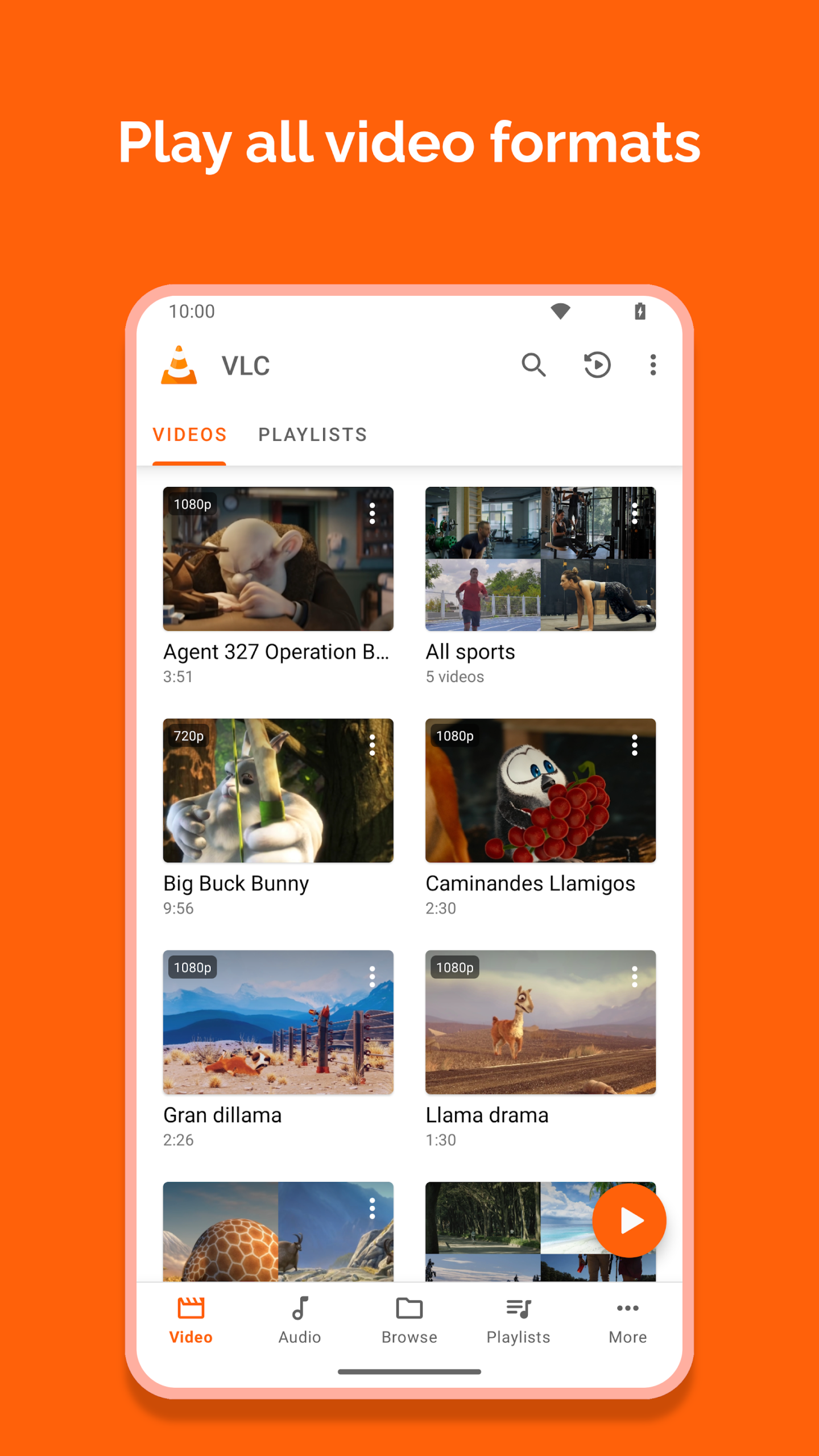
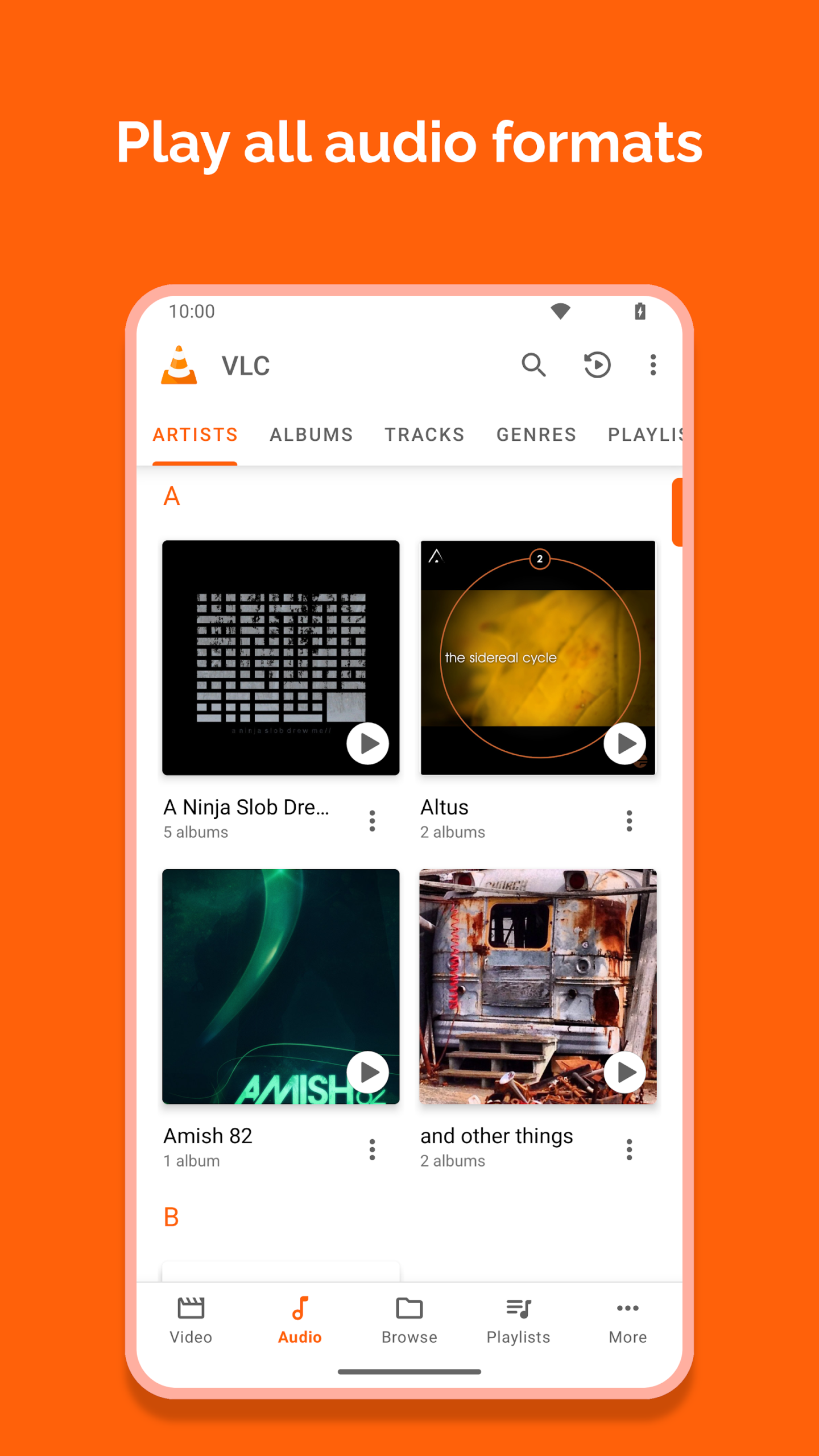
Plays Almost Anything
MP4, MKV, AVI, MP3, FLAC—you name it, VLC plays it.
Totally Free, No Ads
You get a full-powered media player without paying a cent or dealing with annoying ads.
Smart File Management
VLC scans your device and sorts your media files, so finding what you want is easy.
Network Streaming
Stream stuff straight from the web or your local network.
Advanced Controls
Tweak playback speed, use subtitles, or mess with the equaliser—plenty of options.
Privacy First
No tracking, no spyware, and VLC doesn’t collect your data.
How to Download VLC Media Player APK (Latest Version)
Grab the latest VLC Media Player APK from AndroidPorts.com. Stick with trusted sources to dodge malware and weird modified versions.
Permissions
VLC for Android needs access to those categories:
• “Photos/Media/Files” to read your all media files 🙂
• “Storage” to read your all media files on SD cards 🙂
• “Other” to check network connections, change the volume, set the ringtone, run on Android TV and display the popup view, see below for details.
Permission Details :
• It needs “read the contents of your USB storage”, in to order to read your media files on it.
• It needs “modify or delete the contents of your USB storage”, in order to allow deletion of files and store subtitles.
• It needs “full network access”, to open network and internet streams.
• It needs “prevent phone from sleeping” in order to prevent… your phone from sleeping when watching a video.
• It needs “change your audio settings”, in order to change audio volume.
• It needs “modify system settings”, in order to allow you to change your audio ringtone.
• It needs “view network connections” in order to monitor whether device is connected or not.
• It needs “draw over other apps” to start the custom picture-in-picture widget.
• It needs “control vibration” to give feedback on the controls.
• It needs “run at startup” to set recommendations on Android TV launcher screen, only used on Android TV devices.
• It needs “microphone” to provide voice search on Android TV devices, only asked on Android TV devices.
App Details
App Name: VLC Media Player
Version: Latest
Size: Depends on your device
Developer: VideoLAN
License: Free & Open Source
How to Install VLC Media Player APK on Android
- Download the VLC Media Player APK from AndroidPorts.com
- Go to Settings > Security
- Turn on “Unknown Sources”
- Find and open the APK file
- Tap “Install” and let it finish
- Open VLC and you’re good to go
Why Pick VLC Media Player for Android?
It handles high-res videos without lag. The app’s lightweight, so it won’t slow your phone. Updates roll out regularly. And you don’t need an internet connection to play your files.
VLC vs Other Players
VLC stands out because it’s open-source, plays almost any format, and skips the ads. Some apps make you hunt for codecs or pay for premium features, but VLC gives you everything upfront.
A Few Quick Tips
– Always download from reliable sites like AndroidPorts.com
– Keep VLC updated for best performance.
– Avoid hacked or modded versions—they’re risky
VLC Media Player APK Download for Android
VLC Media Player APK is easily one of the top choices for Android. It’s feature-packed, simple to use, and doesn’t hassle you with ads or weird limitations. Download the latest version from AndroidPorts.com and enjoy all your media without a hitch.
Download VLC for Android
Download (16.94MB)You are now ready to download VLC for Android for free. Here are some notes:
- Please read our MOD Info and installation instructions carefully for the game & app to work properly
- Read the FAQ carefully for more details
4.4/5 (1,978,488 votes)


Leave a Reply