If you want a browser that’s fast, private, and easy on your phone, Kiwi Browser – Fast & Quiet APK is worth a shot.

Kiwi Browser – Fast & Quiet APK Download
| Name | Kiwi Browser – Fast & Quiet |
|---|---|
| Publisher | Geometry OU |
| Genre | Simulation Communication Tools |
| Size | 187.7 MB |
| Version | 107.0.5304.74 |
| MOD Info | Original |
| Get it On |

|
MOD Info
Original
What's new
Kiwi Browser runs on Chromium (the same engine as Chrome), but it’s stripped down for speed and privacy.
Kiwi Browser – Fast & Quiet APK Download for Android from Androidports.com
If you want a browser that’s fast, private, and easy on your phone, Kiwi Browser – Fast & Quiet APK is worth a shot. It’s built for Android users who care about privacy and want something that just works—no lag, no annoying ads, and plenty of ways to make it your own.
Here’s the lowdown on what makes Kiwi Browser stand out, how to get it on your device, and a few reasons why people consider it one of the best Android browsers around right now.
So, what is Kiwi Browser – Fast & Quiet?
Kiwi Browser runs on Chromium (the same engine as Chrome), but it’s stripped down for speed and privacy. The “quiet” part? That’s because it blocks ads, trackers, and pop-ups right from the start. If you can’t find it on the Play Store or if it’s not available in your country, just grab the APK and install it yourself—no sweat.
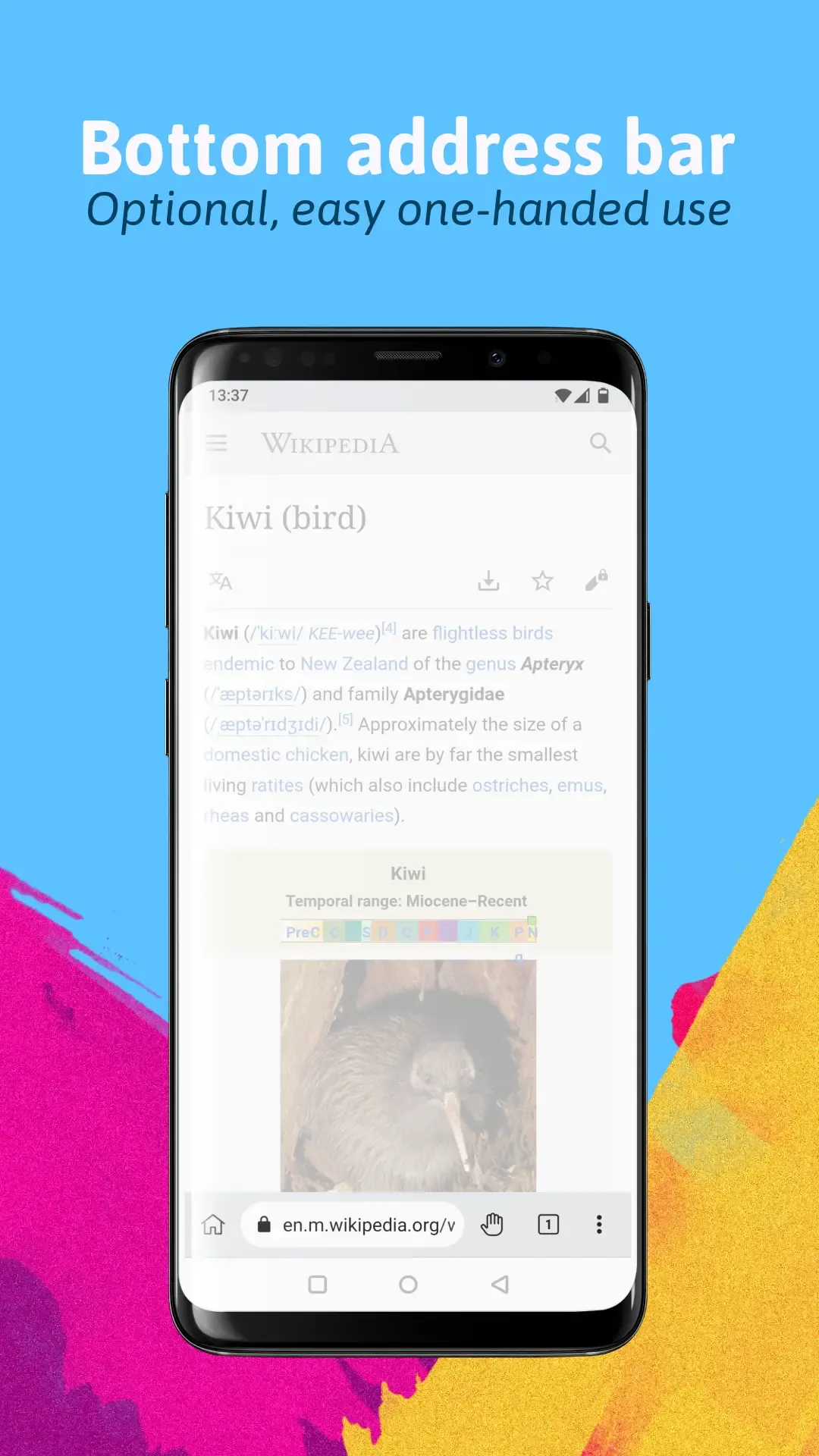
Kiwi feels familiar if you’ve used Chrome, but it adds a few twists:
– Fast loading and smooth scrolling
– Support for Chrome extensions on Android (yep, real extensions!)
– Built-in ad blocker
– Tons of options for privacy and customization
It’s perfect if you want more control when you browse.
Kiwi Browser APK – What’s cool about it?
Speed that actually matters
Kiwi uses a tweaked Chromium engine, so pages load fast, scrolling feels smooth, and even older phones keep up without choking.
No more ads
The ad blocker works out of the box. Forget about pop-ups, autoplay videos, or junk cluttering your screen. Your data plan thanks you, too.
Privacy features that work
You get tracker blocking, anti-fingerprinting tools, HTTPS-only mode, and the option to pick your own search engine. All without hunting for extra add-ons.
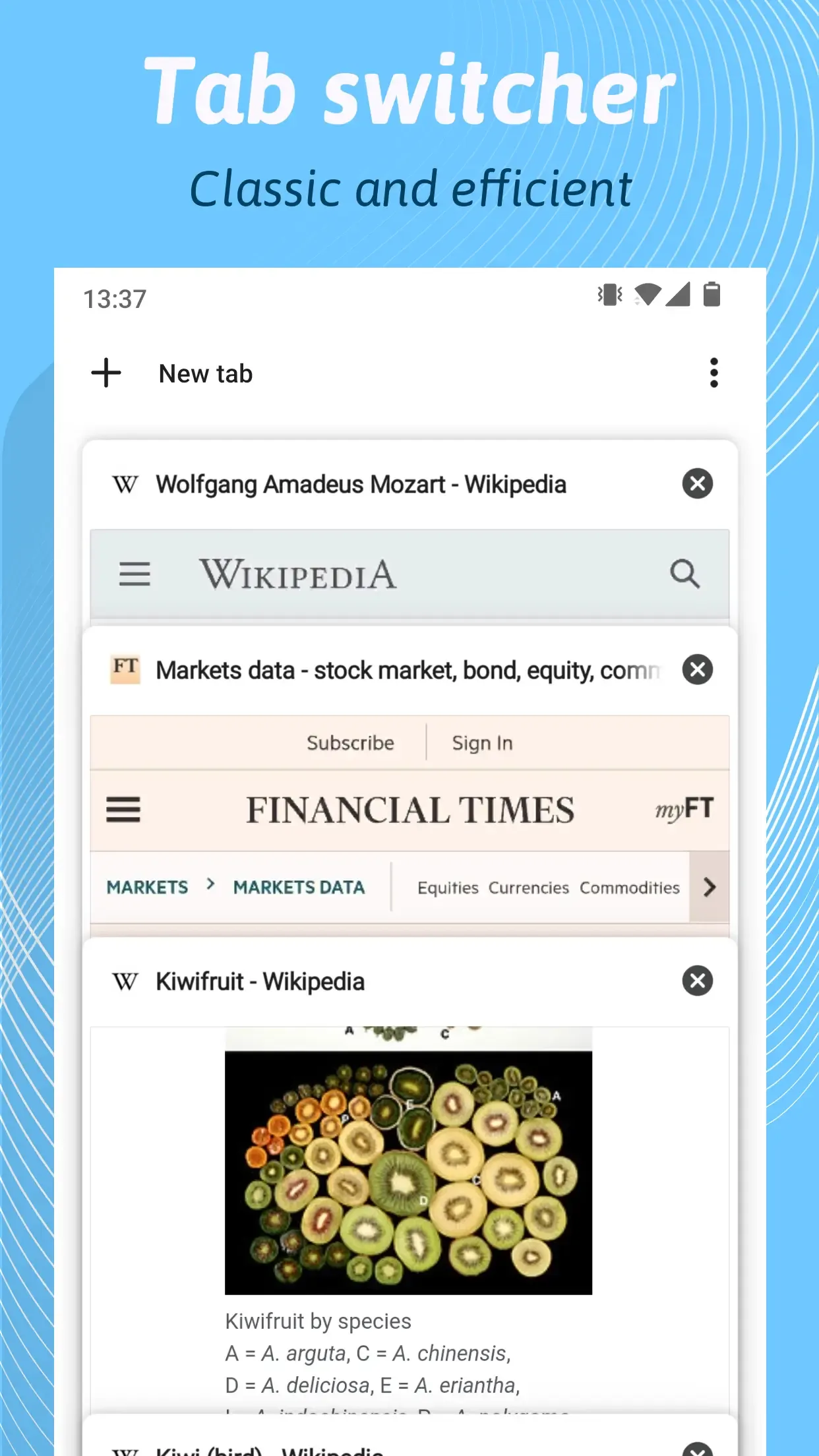
Real Chrome extensions on Android
This is rare: you can install your favorite Chrome extensions—ad blockers, password managers, all that—directly on your phone. No weird workarounds needed.
Night mode and custom themes
Reading in bed or just want a browser that looks the way you like? Flip on night mode, or tweak the look to suit your eyes.
Why download the Kiwi Browser APK?
You get updates before everyone else. No waiting for the Play Store. Even if Kiwi isn’t available in your country, the APK lets you install it. Plus, you control updates and can keep older versions if you want. The app stays light, so it won’t bog down your phone.
How to install Kiwi Browser APK on Android
It’s straightforward:
1. Download the latest Kiwi Browser APK from this page.
2. On your Android, go to Settings > Security.
3. Allow installs from unknown sources.
4. Open the APK file.
5. Tap Install.
6. Once it’s done, open up Kiwi Browser and start browsing.
Just make sure you’re getting the APK from a legit site—don’t risk weird downloads.
Is Kiwi Browser safe?
Kiwi is built on Chromium and packs in serious privacy tools. Here’s what you get:
– HTTPS everywhere it can
– No sneaky tracking or telemetry
– Only asks for the permissions it needs
Still, use your head: always download from trusted sources, keep the app up to date, and don’t mess with shady, modified APKs.
Kiwi Browser APK info
App Name: Kiwi Browser – Fast & Quiet
Category: Tools / Browser
Platform: Android
Latest Version: Up top on this page
File Size: Depends on the version
License: Free
Kiwi Browser – Fast & Quiet APK is a solid pick if you want a fast, private, and customizable browser on Android. Built-in ad blocking, Chrome extension support, and real privacy tools put it ahead of the pack. If you’re tired of slow browsers and pop-up chaos, give Kiwi a try—it’s light, fast, and puts you in control.
Want more APKs and Android tips? Keep an eye on AndroidPorts.com.
Download Kiwi Browser – Fast & Quiet
Download (187.7 MB)You are now ready to download Kiwi Browser – Fast & Quiet for free. Here are some notes:
- Please read our MOD Info and installation instructions carefully for the game & app to work properly
- Read the FAQ carefully for more details
4.4/5 (2 votes)










Just tried 55g out. Pretty decent! Good selection of casino games. Got a little lucky, haha! Go check it out fam: 55g