Create & share photos, stories, & reels with friends you love


Instagram APK Download – Share Videos and Stories
| Name | |
|---|---|
| Publisher | |
| Genre | Social |
| Size | 86.73MB |
| Version | 333.0.0.42.91 |
| MOD Info | Original |
| Get it On |

|
MOD Info
Original
What's new
We're introducing three new features:
* You can now video chat in Instagram Direct. Swipe into an existing thread and tap the video icon on the top right to video chat with up to four people.
* At the top of Explore, you'll now see a tray of topic channels personalized to your interests.
* With IGTV, you can now watch long-form, vertical video from your favorite Instagram creators. Tap the new icon at the top right of feed to get started.


Instagram APK Download for Android – Latest Version Guide I Androidports.com
Instagram APK Download for Android from Androidports.com. Share as many photos, videos, and reels as you want, play around with editing tools, and get inspired by what everyone else is creating. There’s always something new to try.
Instagram isn’t just about posting photos and videos—it’s a way to tap into a huge, creative community. You can share moments with everyone or just a select few. The tools are simple enough for anyone to use, but if you want to get creative, you’ve got plenty of options.
Take your photos up a notch
Instagram’s built-in editor makes it easy to polish your photos. Just upload your pictures, pick a filter that fits your mood, and tweak things like brightness, contrast, or saturation. You can even crop or adjust proportions until everything looks just right. Want to add a little flair? Search for music right in the app to give your posts a soundtrack. And don’t forget—you can tag your location, throw in some hashtags, and add a quick description to help more people find your stuff.
Share your daily stories
Your feed is where you keep the highlights, but stories are all about what’s happening right now. They only stick around for 24 hours, so you can be playful or spontaneous. Snap a photo or record a quick video, then pile on the stickers, effects, or songs. You can even see who’s watching your stories in real time. And if you’ve got something just for your close friends, set up a Best Friends list and share it only with them.
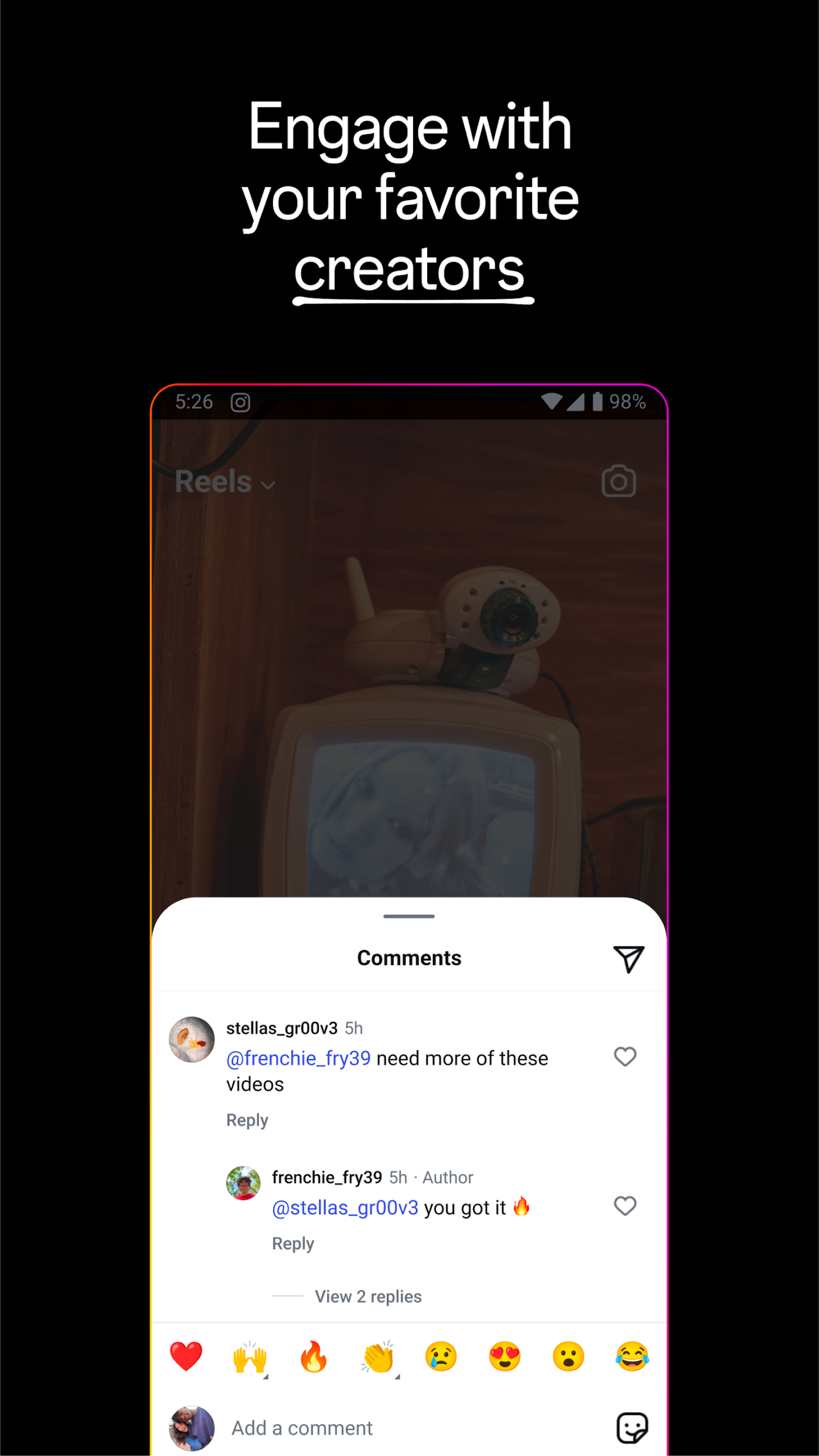
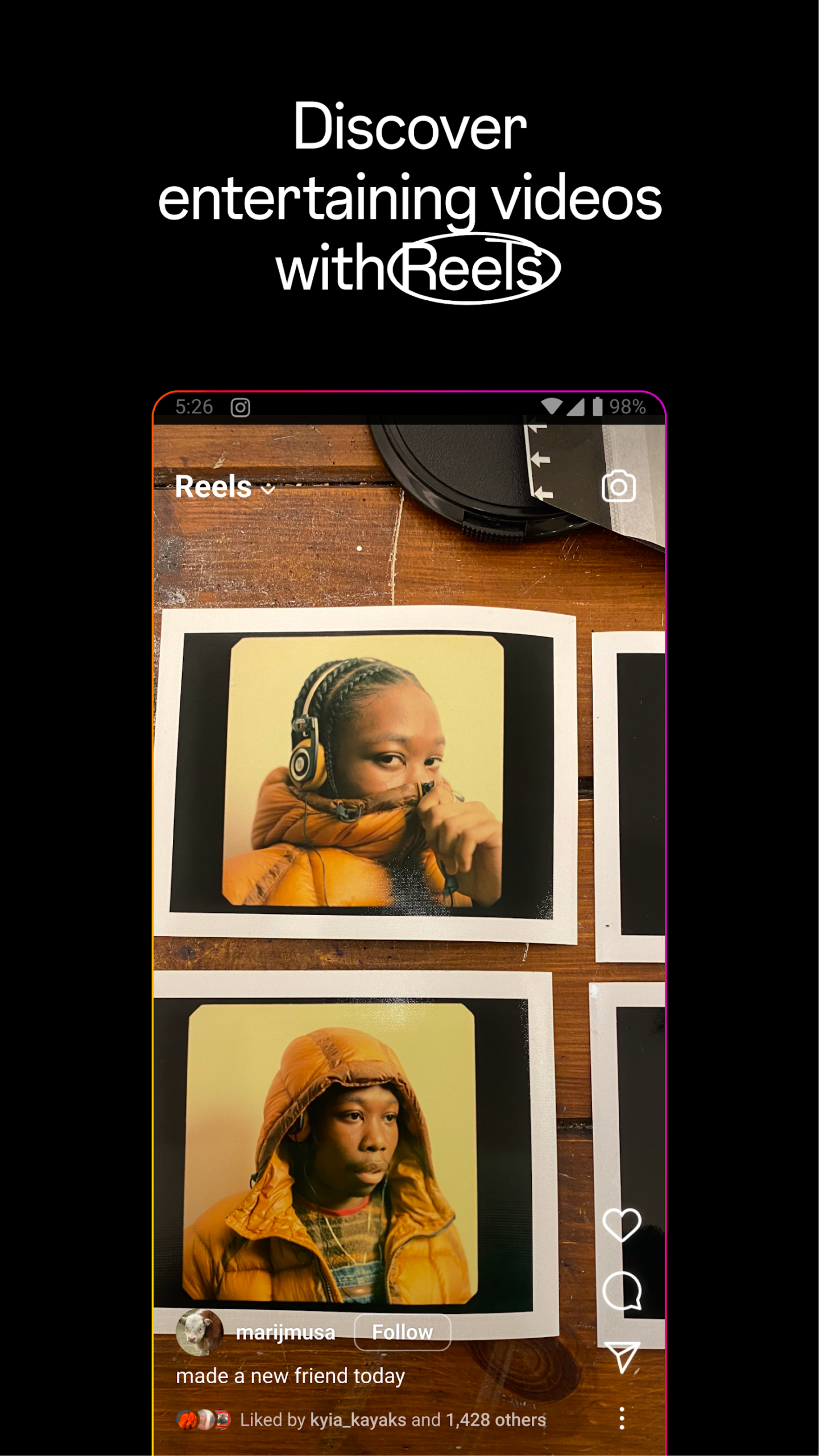
Make standout reels
Reels let you tell your story in bursts—up to 90 seconds per video. Play with fun filters, try out augmented reality effects, or remix someone else’s reel by adding your own twist. If you want to save a reel, though, you’ll need a third-party app since Instagram doesn’t let you download them directly.
Explore what’s out there
Hit the magnifying glass and dive into the Explore section. It’s where you’ll find posts and reels from users all over the world—some you know, some you don’t. Instagram’s algorithm pays attention to what you like, so you’ll see more of what catches your eye as you scroll.
Grow your business with the Professional Dashboard
If you’re running a business, link your Instagram to a Facebook page and switch to a company profile. The Professional Dashboard shows you how your posts are performing, tracks your follower growth, and helps you figure out what kind of content pulls people in. Just pick a category that fits your brand, and you’re ready to connect with others in your field.
How to Download Instagram APK for Android
Here’s what you do:
Turn on “Install unknown apps” in your settings
Download the latest Instagram APK
Tap the APK and hit install
Open Instagram and sign in
You’ll have to update it yourself when new versions come out.
Please stick to the trusted APK websites like Androidports.com to download the APK file.
Download Instagram APK for Android
Instagram’s still one of the best ways to share stuff and stay connected. Whether you’re downloading it from the Play Store or installing the APK, you get a slick, creative platform right on your Android.
Download Instagram’s APK from a safe source, and start sharing your moments whenever you want.
Download Instagram
Download (86.73MB)You are now ready to download Instagram for free. Here are some notes:
- Please read our MOD Info and installation instructions carefully for the game & app to work properly
- Read the FAQ carefully for more details
4.3/5 (166,365,493 votes)




Leave a Reply